 DomoAI
Pick a clean cat photo
Front or three-quarter angle shots with the head or whole body visible work best. Avoid motion-blurred shots - the model needs a sharp starting pose to build from.
Cats rule short-form feeds, but filming them on cue is close to impossible. Start from a photo where the pose is already right, describe the moment you want - the leap, the stare, the slow blink - and the model fills in the motion so the clip plays like something you actually caught on camera.
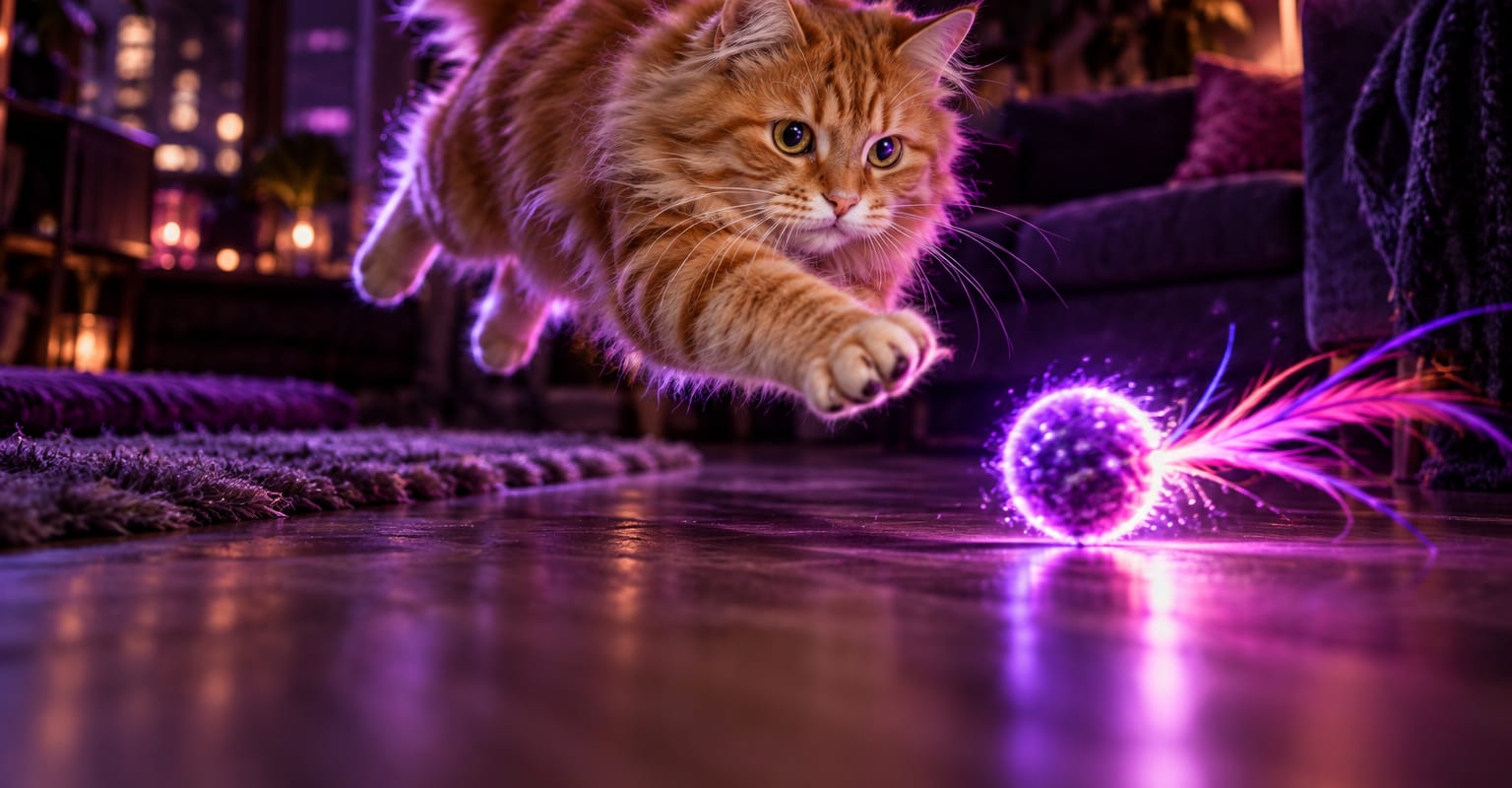
Every DomoAI workflow starts from a prompt and an optional reference file. Nothing has to be rebuilt by hand.
Front or three-quarter angle shots with the head or whole body visible work best. Avoid motion-blurred shots - the model needs a sharp starting pose to build from.
Write what should happen: sprinting across a sofa, knocking something off a table, or a suspicious slow turn toward the lens. Reference a second image if the scene needs a specific room.
Render the clip, regenerate for a better take if the fur pattern drifts, then download it for a feed post or the group chat.
DomoAI workflows differ by the material you already have. Pick the one that matches it.
| Workflow | What you provide | Good for |
|---|---|---|
| AI cat video | One cat photo | One-off gags: pounces, parkour runs and dramatic stares |
| AI pet talk | One pet photo | Pets that talk back on camera |
| Image to video | Any still image | Any subject that needs simple motion rather than a full scene |
| Character to video | A character photo plus a motion clip | Copying an exact reference motion, like a viral dance |
Answers about inputs, limits, resolution, and how credits are used.
Yes. Upload a single photo with the cat clearly visible and describe the action in the prompt. The model generates the movement between the starting pose and the described moment.
The model keeps the markings from your photo as its reference, but complex patterns can drift across longer clips. Regenerate, or keep clips short, when the pattern has to stay exact.
Post it to TikTok, Reels or Shorts, add a trending sound in your editor, or send it straight to friends. The clip downloads watermark-free, so it is ready to post as it is.
Yes. Video generations draw from the same credit balance whether the subject is a cat, a person, or a product. The 100 welcome credits on a new account cover a starter set of takes.
Every new account starts with 100 welcome credits, valid for 30 days, so you can test this workflow before choosing a plan.