 DomoAI
Set the holiday scene
Describe the Christmas moment: a snowy street under string lights, a fireplace with stockings, a tree lighting up in a dark room. Name the light source - candle, fairy lights, moonlight on snow - because it drives the mood.
Christmas content runs on warmth: snow in the streetlight, a tree flickering on, a gift reveal in close-up. Describe the moment or upload one photo, and the model builds the scene - street, living room, fireplace - as a short clip you can post the same day.
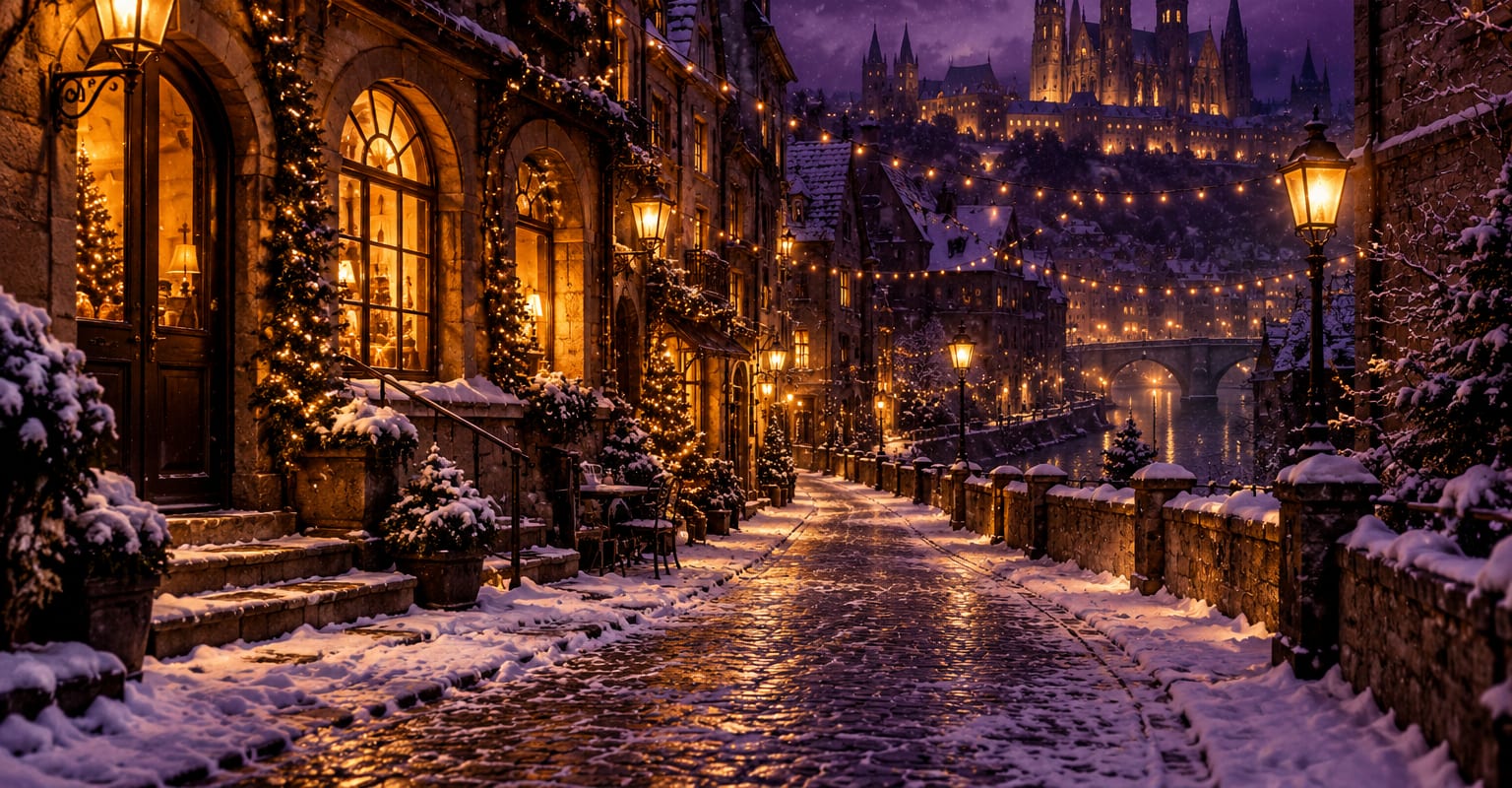
Every DomoAI workflow starts from a prompt and an optional reference file. Nothing has to be rebuilt by hand.
Describe the Christmas moment: a snowy street under string lights, a fireplace with stockings, a tree lighting up in a dark room. Name the light source - candle, fairy lights, moonlight on snow - because it drives the mood.
Upload a photo to place a person, a pet or a gift in the scene. Front-facing photos with even lighting keep faces recognizable under warm holiday light.
Holiday clips live on small movements: snow drifting, lights flickering, a slow push-in. Run two or three takes, keep the one with the best glow, and download it for a feed post or the family group chat.
DomoAI workflows differ by the material you already have. Pick the one that matches it.
| Workflow | What you provide | Good for |
|---|---|---|
| AI Christmas video | A prompt or one photo | Snowy streets, fireplaces and full festive scenes |
| Santa video | A prompt or one photo | Santa waving, laughing and talking to camera |
| Christmas card video | A prompt | Greeting-card beats with a message moment |
| Christmas photo video | One photo | Bringing an existing holiday photo to life |
Answers about inputs, limits, resolution, and how credits are used.
Yes. The setting, the lighting and the movement can all come from a text description. A photo is only needed when a specific person, pet or gift has to appear.
Short set-pieces: a tree switching on, snow gathering on a window, a door opening onto a lit street. Keep one idea per clip so the hook lands in the first second.
Five to fifteen seconds. Warmth reads fast - a long clip loses its glow unless the moment keeps building.
No. Holiday scenes draw from the same credit balance as any other video. The 100 welcome credits on a new account cover a few starter takes.
Every new account starts with 100 welcome credits, valid for 30 days, so you can test this workflow before choosing a plan.