 DomoAI
Choose a useful source image
A flat-lay works for a clean product shot, while a model photo shows fit and styling. Use the highest-resolution image available and keep the garment edges visible against the background.
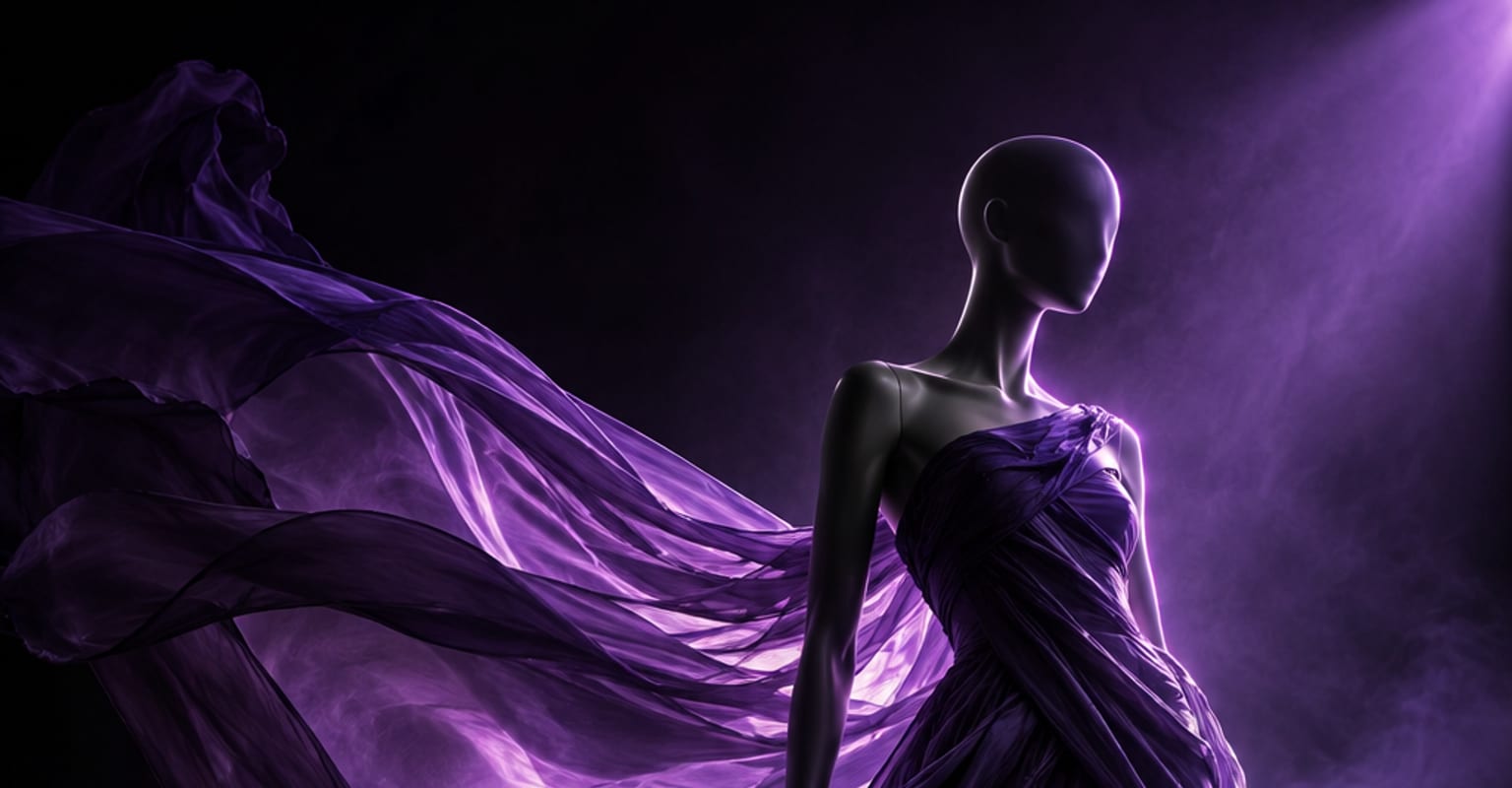
Fashion buyers need to see how a piece behaves: the drape, the movement in the hem, the way light catches the fabric. DomoAI can add that motion to a clean garment or model photo, creating a short product clip before a full campaign shoot is justified.
Every DomoAI workflow starts from a prompt and an optional reference file. Nothing has to be rebuilt by hand.
A flat-lay works for a clean product shot, while a model photo shows fit and styling. Use the highest-resolution image available and keep the garment edges visible against the background.
Ask for a slow turn, a gentle fabric ripple, a camera push or a model holding a pose while the light shifts. Keep one motion dominant so the cut, print and silhouette remain easy to inspect.
Reuse the same source to make alternate colourways, crops or opening frames. Check seams, buttons and prints before export, then deliver a wide hero clip and a vertical version for social and product pages.
DomoAI workflows differ by the material you already have. Pick the one that matches it.
| Workflow | What you provide | Good for |
|---|---|---|
| Clothing photo to video | A garment flat-lay or model photo | Product pages and fashion reels |
| Product ad video | A product photo and a commercial brief | Launch campaigns and paid social |
| AI UGC ad | A product plus creator-style dialogue | Try-on style reviews and testimonial ads |
| Footage restyle | An existing runway or fitting clip | Giving real footage a new editorial look |
Answers about inputs, limits, resolution, and how credits are used.
Yes. A flat-lay is useful for showing fabric, print and colour, but the model is what communicates fit. Use flat-lays for detail shots and model photos for the hero clip.
Start with a sharp, straight-on image and avoid extreme poses. Keep the prompt focused on motion and light rather than redesigning the garment, then review seams, logos and pattern repeats before publishing.
You can use the same composition to explore variations, but check that the fabric and trim still match the real product. For commerce, the final asset should represent the item a customer will receive.
A simple studio background keeps attention on the clothing. Editorial sets can work for mood, but avoid busy patterns that blend into the garment or hide the hem and silhouette.
Every new account starts with 100 welcome credits, valid for 30 days, so you can test this workflow before choosing a plan.