 DomoAI
Choose a clean pet photo
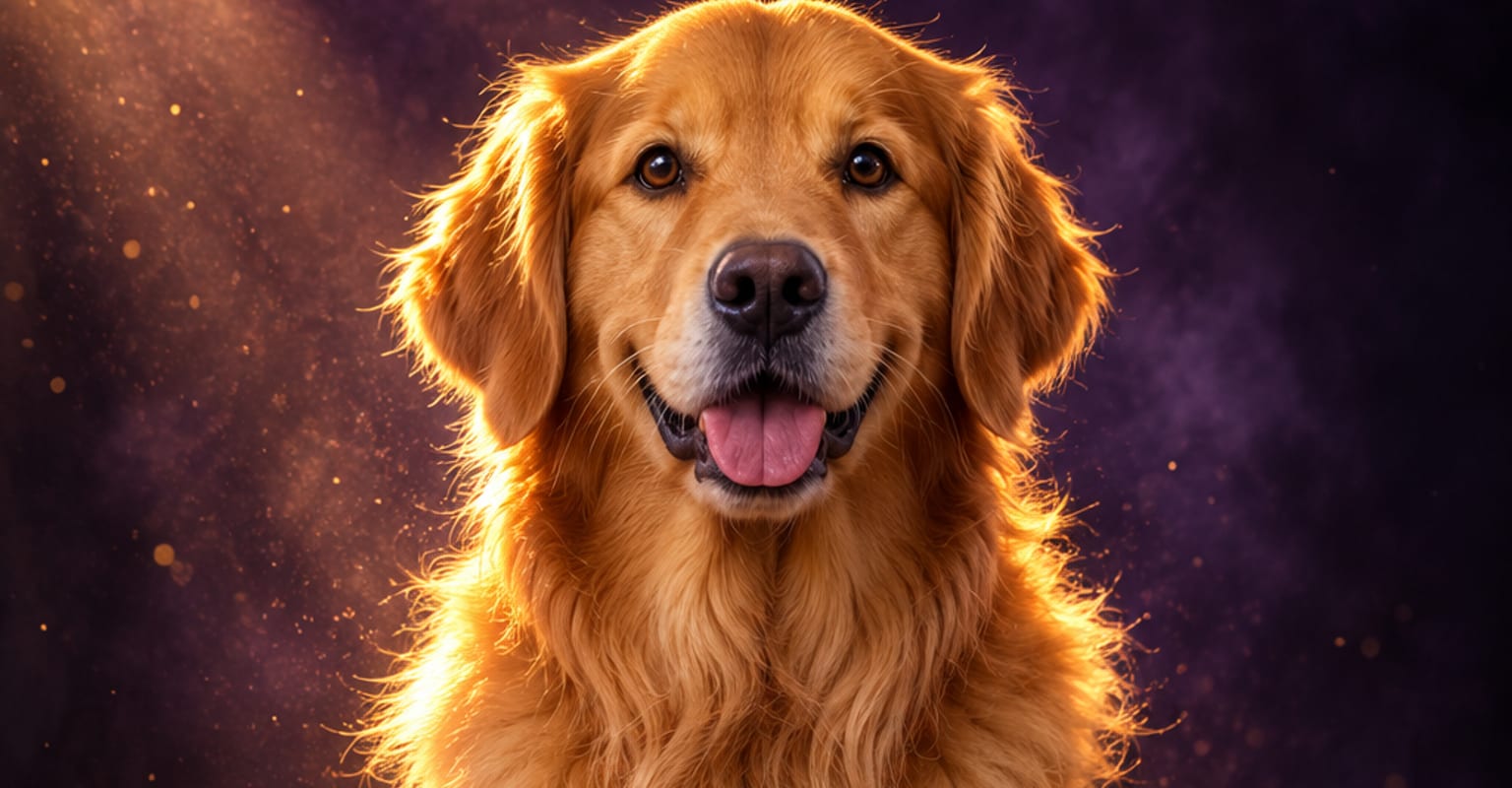
Use a sharp image where the eyes are visible and the head is not buried in shadows. One animal per frame works best; a plain background gives the model more room to animate the face and fur.
A good pet photo already carries the personality. DomoAI adds a small, believable moment around it - a head tilt, lifted ears, a curious look toward the camera - without asking the animal to sit still for a shoot. The result is a short clip that feels like your pet rather than a generic stock animal.
Every DomoAI workflow starts from a prompt and an optional reference file. Nothing has to be rebuilt by hand.
Use a sharp image where the eyes are visible and the head is not buried in shadows. One animal per frame works best; a plain background gives the model more room to animate the face and fur.
Write a small action such as a curious head tilt, a happy look up, ears lifting in the breeze or a slow turn toward the camera. Keep the scene physical and simple instead of asking for a long story in one shot.
Generate a few short takes and pick the one where the eyes, ears and paws stay convincing. Download the clip for Reels, TikTok, a pet profile or a family album.
DomoAI workflows differ by the material you already have. Pick the one that matches it.
| Workflow | What you provide | Good for |
|---|---|---|
| Pet photo to video | One clear photo of the pet | Adding a natural expression or small gesture |
| Pet dance video | A full-body pet photo | Rhythmic social clips and trend audio |
| Pet talk video | A face photo plus a line of dialogue | Comedy voiceovers and talking-pet memes |
| Footage restyle | An existing pet clip plus a style | Giving real footage an anime or painted look |
Answers about inputs, limits, resolution, and how credits are used.
No. A single sharp photo is enough. DomoAI generates the motion from the image and prompt, so the source can come from a phone camera, a shelter listing or an old family album.
Pick a photo with visible eyes, a clear head shape and soft, even light. Avoid motion blur, heavy filters and frames with several animals competing for attention. Square crops around the head and chest are easiest to animate.
Yes, but those are separate workflows. Use the pet talk page for dialogue and mouth movement, or the pet dance page for a full-body musical clip. This page focuses on natural portrait motion.
Many people use a favourite photo as a gentle keepsake. Start with a clear image, keep the motion small and avoid exaggerated expressions. The result is an interpretation of the still, not new footage of the animal.
Every new account starts with 100 welcome credits, valid for 30 days, so you can test this workflow before choosing a plan.