
Industry: real estate

Real Estate Videos from Your Listing Photos

A listing gallery shows the rooms; a short video gives them a route. DomoAI can add controlled camera movement to property photos, helping a buyer understand the exterior, the flow between spaces and the mood of the home before a viewing.

See How It Works
Listing-photo workflowInterior and exterior movesVertical and wide versionsRealtor-friendly exports
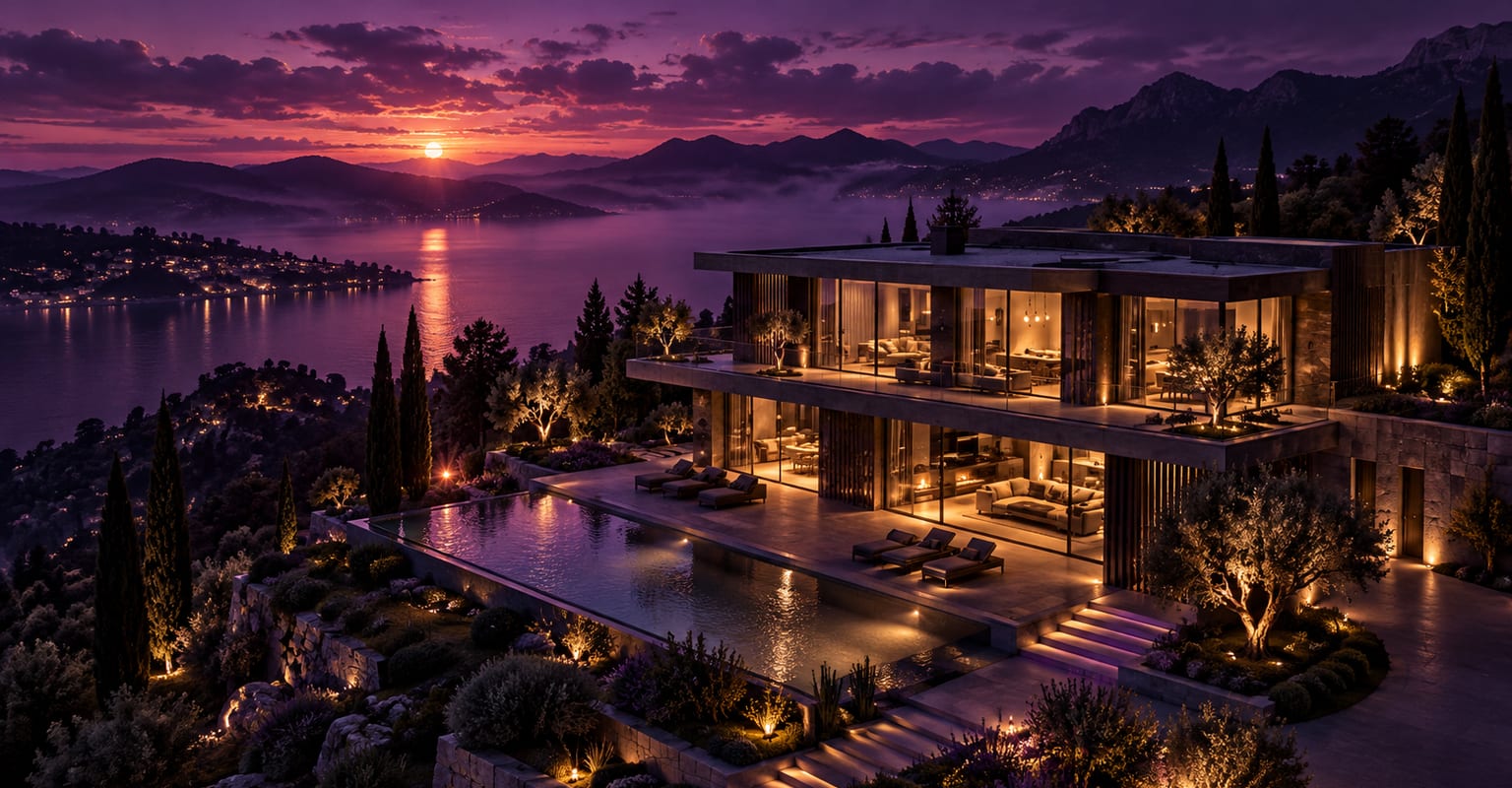
A modern house at violet dusk with warm interior lights and a cinematic aerial approach
How it works

Three Steps from Input to Finished Clip

Every DomoAI workflow starts from a prompt and an optional reference file. Nothing has to be rebuilt by hand.

Step 1

Choose the photos that tell the story

Start with the exterior, the main living space, kitchen and one standout feature. Use straight, well-lit images and remove clutter before animating. A clear sequence is more persuasive than a large random gallery.

Step 2

Give each room a camera move

Use a slow push-in for a hero room, a gentle pan for an open-plan space and a slight orbit for an exterior. Keep the movement realistic so the property stays recognisable and the dimensions do not feel distorted.

Step 3

Assemble the property tour

Generate short shots, then arrange them from approach to interior to closing exterior. Add the address, agent details and music in the editor, and export a wide version for the listing plus a vertical cut for social.

Choose the right input

How This Workflow Compares

DomoAI workflows differ by the material you already have. Pick the one that matches it.

WorkflowWhat you provideGood for
Listing photos to videoSeveral property photosA photo-led listing tour
Single room hero shotOne strong interior photoA quick teaser or paid social placement
AI slideshow videoA sequence of photos with motionFaster montage-style listing reels
AI commercial videoA product or brand briefDeveloper launches and service promotion
Frequently asked questions

Questions About This Workflow

Answers about inputs, limits, resolution, and how credits are used.

Is an AI video a replacement for a real walkthrough?+

No. Use it as a marketing preview built from accurate listing photos. A real walkthrough shows the property as it is; an AI clip should not invent rooms, views or features that are not present.

How many photos do I need for a listing video?+

A useful short tour can start with six to twelve images: exterior, living area, kitchen, bedrooms, bathroom and one amenity. Generate a clip for each key image and cut them in the order a buyer would walk through the home.

Can I add the agent to the video?+

Yes. Use a presenter or avatar workflow for the introduction, then cut it against the property shots. Keep the introduction short so the first few seconds still show the home.

Can I use the video on portals and social media?+

Export the sizes each channel expects and check the portal rules for synthetic or enhanced media. Keep the listing facts, price and availability accurate, and refresh the creative when the property changes.

Start With the Material You Already Have

Every new account starts with 100 welcome credits, valid for 30 days, so you can test this workflow before choosing a plan.

Compare Plans
DomoAI AI Real Estate Video - Listing Clips from Photos