
Platform: YouTube

AI Video for YouTube, Built Shot by Shot

A YouTube video is rarely one generated take. It is a timeline of intros, proof, B-roll, transitions and calls to action. DomoAI is most useful when it fills those specific gaps: a visual example, a scene you cannot film, or a consistent backdrop for a faceless channel.

See How It Works
Prompt, photo and clip inputsHorizontal and Shorts formatsReusable visual styleEdit-ready short shots
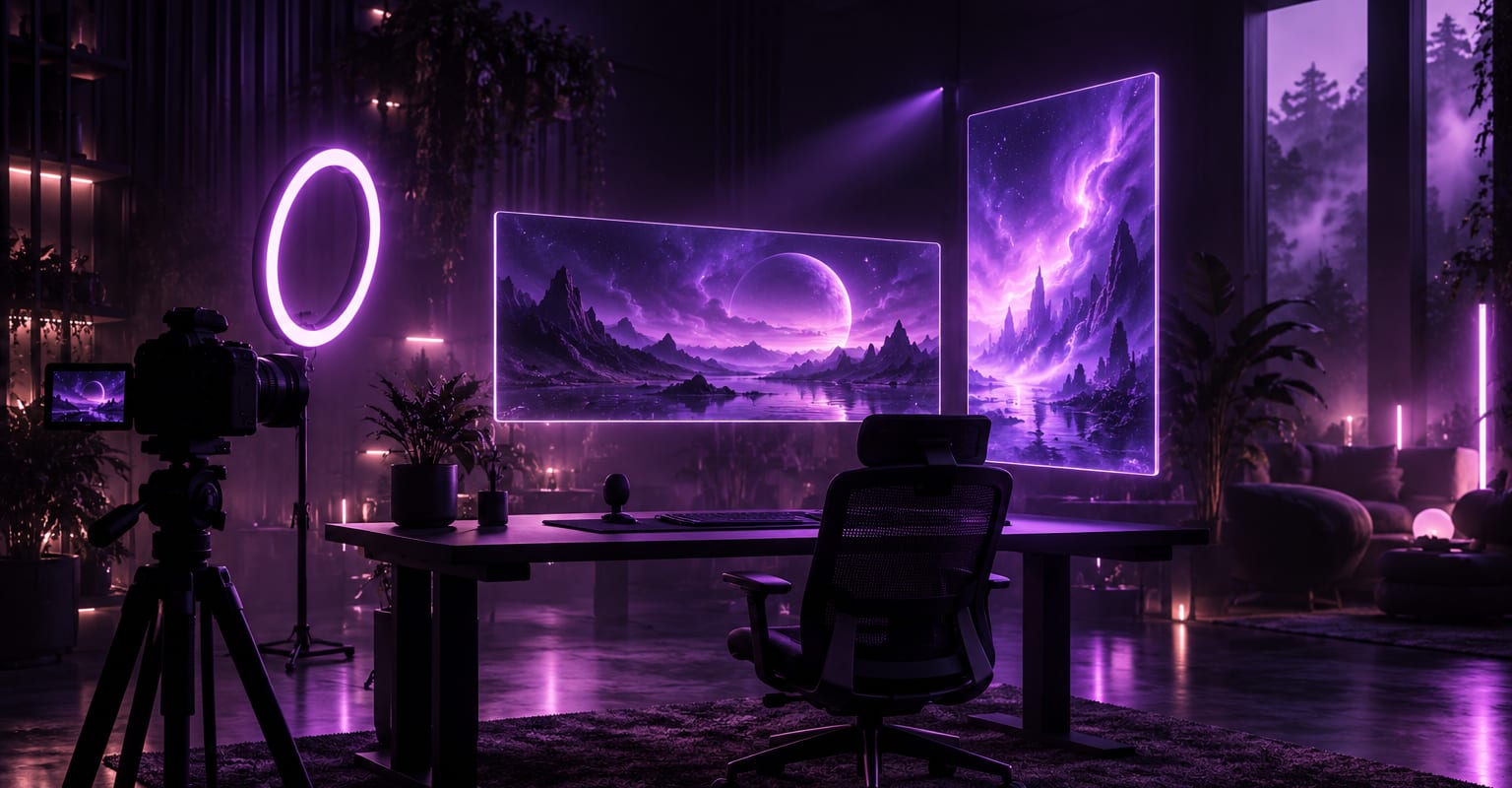
A dark creator studio with a camera, ring light and floating widescreen and vertical screens
How it works

Three Steps from Input to Finished Clip

Every DomoAI workflow starts from a prompt and an optional reference file. Nothing has to be rebuilt by hand.

Step 1

Map the video before generating

Mark the moments that need a visual: the hook, a concept that is hard to film, a transition or the closing recap. Write one sentence for each shot so the generated clips serve the script instead of becoming random decoration.

Step 2

Keep a repeatable look

Choose a palette, lens feel and motion language, then repeat those notes across prompts. Use the same character or product photos when continuity matters, and avoid changing the style every few seconds.

Step 3

Edit, caption and disclose

Bring the clips into your timeline, add narration and captions, and check the pacing on a phone. Disclose realistic synthetic media where YouTube or local rules require it, and keep factual claims grounded.

Choose the right input

How This Workflow Compares

DomoAI workflows differ by the material you already have. Pick the one that matches it.

WorkflowWhat you provideGood for
Prompt to YouTube shotA written scene or conceptB-roll, examples and faceless segments
Photo-led videoProduct, character or location photosKeeping a channel visually consistent
Footage restyleExisting clips plus a styleGiving real footage a new animated or cinematic look
YouTube ShortsA vertical concept or photoShort-form discovery and channel clips
Frequently asked questions

Questions About This Workflow

Answers about inputs, limits, resolution, and how credits are used.

Can AI generate a complete long YouTube video?+

AI can generate individual shots, but a long video still needs a script, structure, narration and editing. Use the workflow for the visual pieces, then assemble them into a coherent timeline with a clear reason to keep watching.

Is AI video suitable for a faceless channel?+

Yes. A faceless channel can use generated scenes as the visual layer under narration. Keep a consistent style, fact-check the script and avoid pretending the scenes are real footage.

How do I keep characters consistent across a video?+

Reuse the same reference photos, clothing description, palette and lighting notes. Generate similar shots in one session and keep a small visual bible so later clips match the earlier ones.

Do I need to disclose AI-generated footage?+

Follow YouTube's current synthetic-media rules and any local disclosure requirements. Realistic generated scenes, especially those involving real people or events, should be labelled honestly.

Start With the Material You Already Have

Every new account starts with 100 welcome credits, valid for 30 days, so you can test this workflow before choosing a plan.

Compare Plans
DomoAI AI Video for YouTube - Long-Form and Channel Clips