 DomoAI
Upload the clip
Any real footage: a phone video, a screen recording, stock, or a previous generation. Keep each shot under 15 seconds for the cleanest transfer.
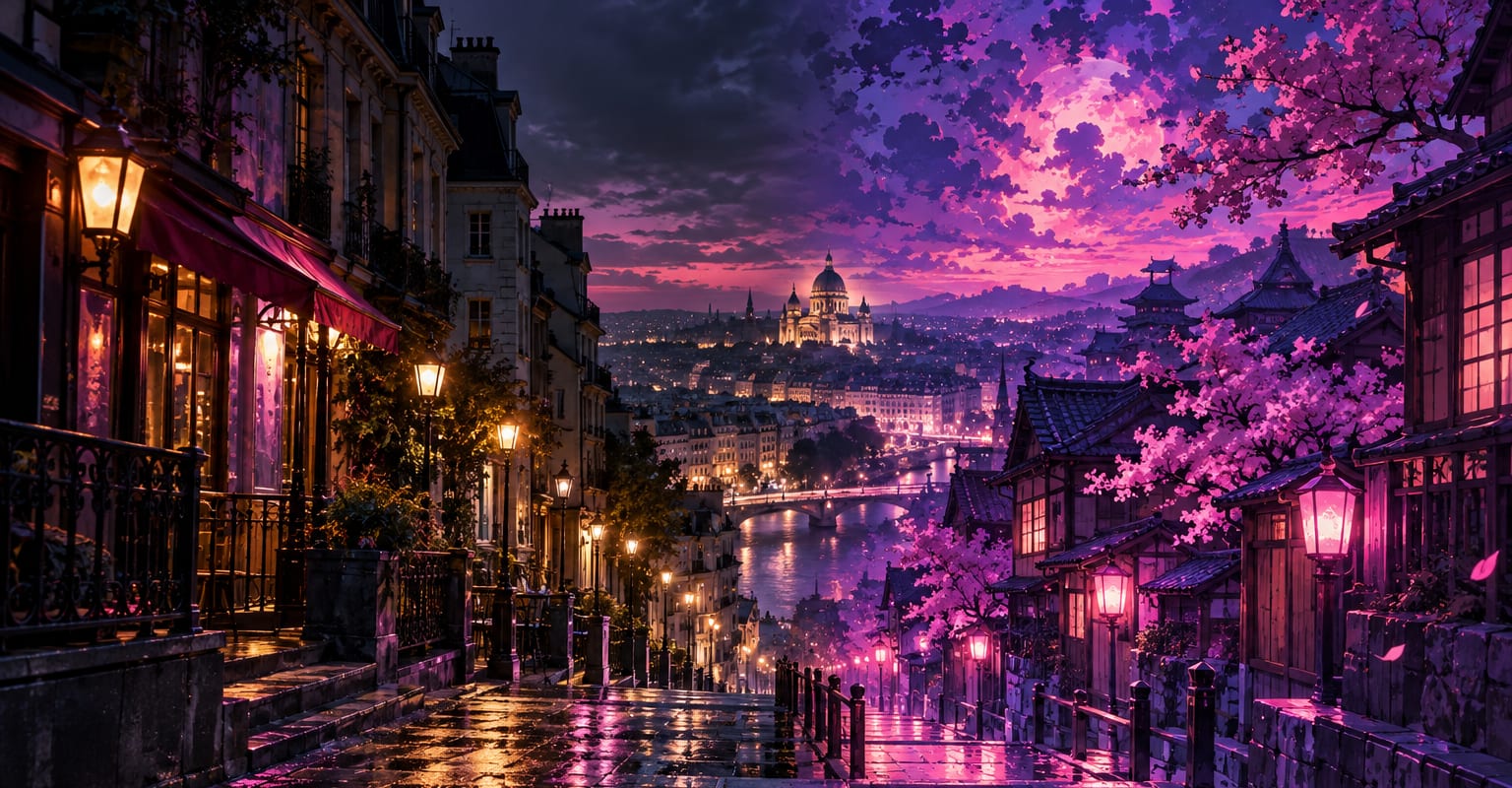
Style transfer treats the whole frame as a canvas: every shot, every background, every corner gets repainted in the target look while the movement underneath stays exactly as filmed. Bring a clip, name the style - or hand over a reference image - and the footage arrives on the other side in a different world.
Every DomoAI workflow starts from a prompt and an optional reference file. Nothing has to be rebuilt by hand.
Any real footage: a phone video, a screen recording, stock, or a previous generation. Keep each shot under 15 seconds for the cleanest transfer.
Name it - anime, ink wash, oil painting, VHS - or attach a reference image whose palette and rendering you want followed.
Render the restyled clip, flip between it and the original to check the motion, then upscale or post.
DomoAI workflows differ by the material you already have. Pick the one that matches it.
| Workflow | What you provide | Good for |
|---|---|---|
| Style transfer | Clip plus style or reference | Repainting every frame of existing footage |
| Video to anime | Clip or photos | Anime specifically, from clips or stills |
| Video to video | Clip plus reference | Broader restyling where motion can change too |
| Cartoonize video | Clip or photo | The playful cartoon look without picking a full style system |
Answers about inputs, limits, resolution, and how credits are used.
Style transfer keeps your footage as-is and changes how it is rendered. Video to video can also re-stage the content itself - new motion, new details - from a clip plus a reference.
Describe the look in generic terms - 90s anime, wet watercolor, film noir - or use your own reference art. Keep anything you publish within the terms of service.
Very consistent when the shots share lighting and palette. Very different locations can pull the style in different directions; run a test shot first.
The cleaner the source, the better the result - 1080p footage with stable light gives the model the most to work with.
Every new account starts with 100 welcome credits, valid for 30 days, so you can test this workflow before choosing a plan.