 DomoAI
Upload the character
A full-body or three-quarter illustration on a simple background gives the model the clearest read. Front and back art helps if the scene includes a lot of movement.
An original character already carries a design language: the palette, the silhouette, the attitude. Upload one clean illustration and describe the scene - a rooftop standoff, a quiet walk home, a power-up - and the model animates the character inside it while keeping the design recognizable.
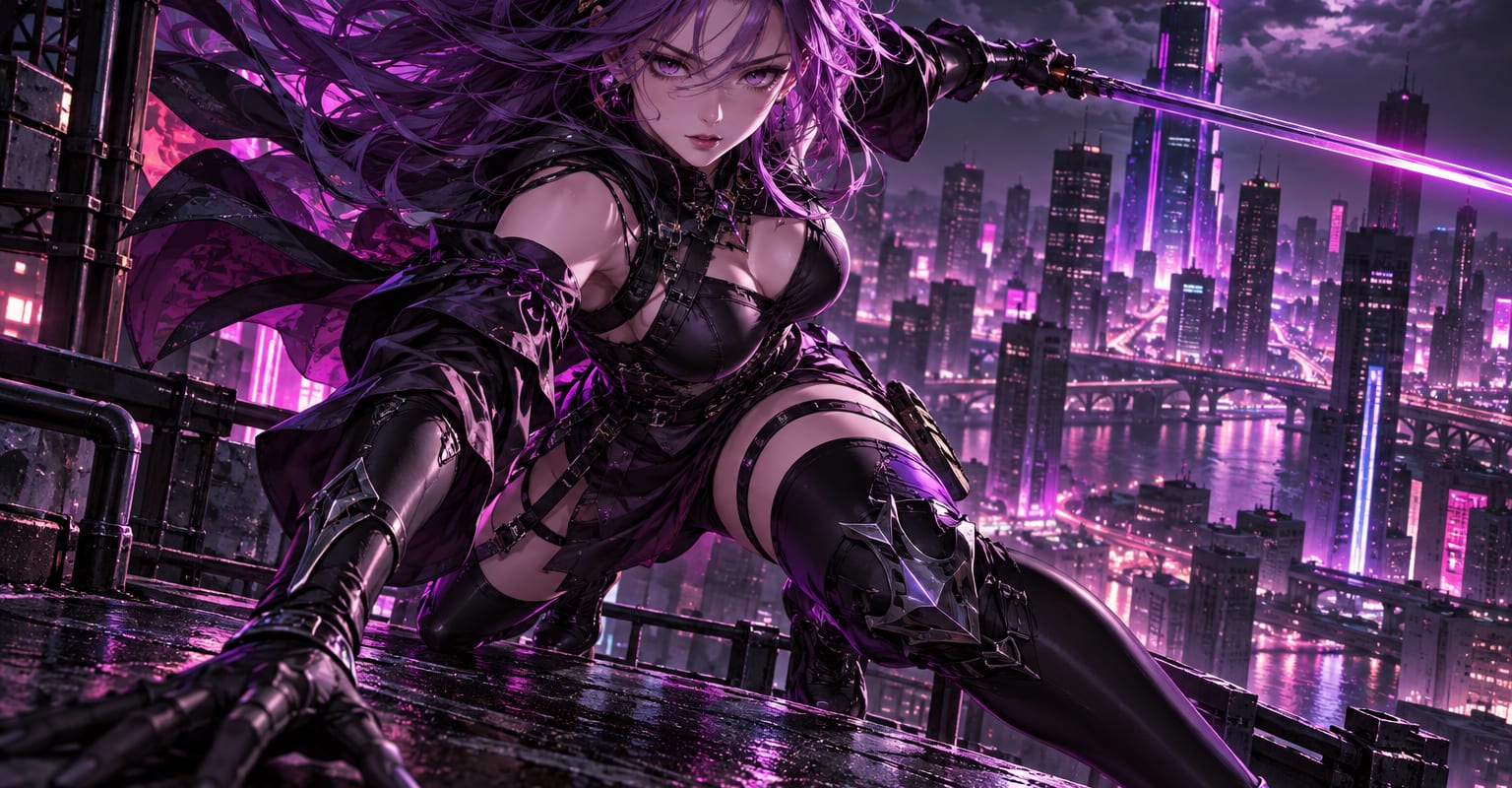
Every DomoAI workflow starts from a prompt and an optional reference file. Nothing has to be rebuilt by hand.
A full-body or three-quarter illustration on a simple background gives the model the clearest read. Front and back art helps if the scene includes a lot of movement.
Write it like a shot: location, action, mood, lighting. Keep the character description aligned with the uploaded art so the design does not drift.
Render several, keep the one with the cleanest silhouette, and chain clips for a longer sequence. The character sheet workflow locks the design before you start.
DomoAI workflows differ by the material you already have. Pick the one that matches it.
| Workflow | What you provide | Good for |
|---|---|---|
| Anime character video | One character image | Animating an existing anime-style design |
| Character sheet | A description or sketch | Locking a new design before animating it |
| Video to anime | Real footage | Converting live-action clips into anime style |
| AI anime generator | Text or stills | Generating anime content when there is no character yet |
Answers about inputs, limits, resolution, and how credits are used.
The uploaded image anchors the design - palette, outfit and proportions carry into the clip. Complex patterns can drift on longer takes; regenerate or shorten when precision matters.
Only with permission from the artist and a check of the terms of service. For fully owned results, generate the character yourself first.
Yes - any 2D or stylized 3D character reads well as the reference. Clean edges and flat backgrounds give the most stable animation.
Single generations run 5-15 seconds. For longer scenes, generate each beat separately and chain them together in your editor.
Every new account starts with 100 welcome credits, valid for 30 days, so you can test this workflow before choosing a plan.