 DomoAI
Choose a photo with a horizon
Street scenes, rooftops, fields and stages work best - settings that reward being seen from above. The subject should sit clearly in frame.
The crane up is how films end scenes: the camera rises off the hero, the ground opens up, and suddenly the story is one person inside a much bigger world. Apply it to any photo and the model builds that reveal - the rise, the widening frame, the city or landscape filling in around the subject.
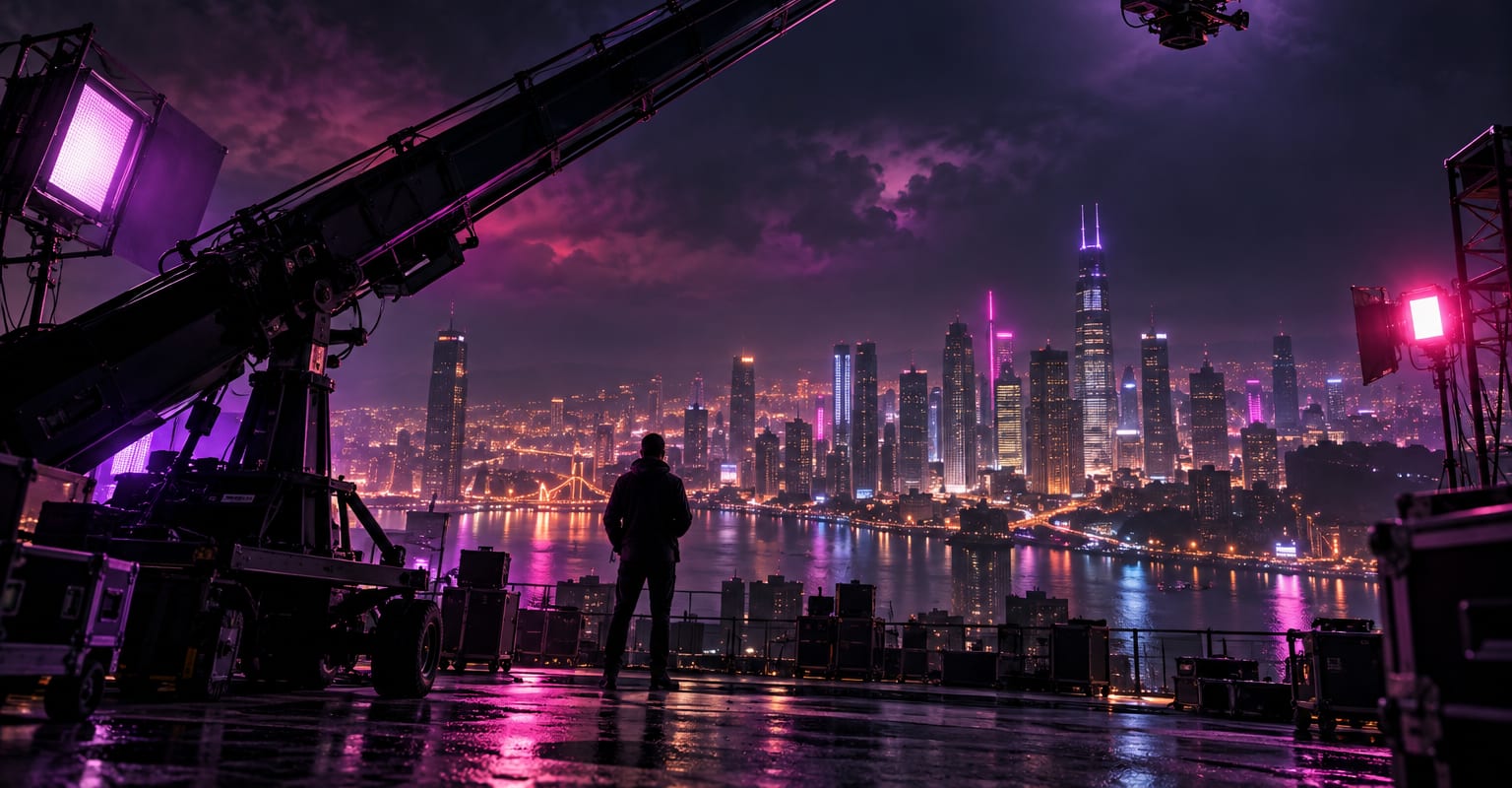
Every DomoAI workflow starts from a prompt and an optional reference file. Nothing has to be rebuilt by hand.
Street scenes, rooftops, fields and stages work best - settings that reward being seen from above. The subject should sit clearly in frame.
Say what the camera should show as it rises: the city block, the festival crowd, the valley at dawn. The template keeps the motion; the prompt fills the world.
Render, keep the version where the rise feels smooth and the subject stays recognizable, and use it as a scene closer or a profile post.
DomoAI workflows differ by the material you already have. Pick the one that matches it.
| Workflow | What you provide | Good for |
|---|---|---|
| Crane up | One photo | Scene-ending reveals and epic context shots |
| Zoom in video | One photo | Pushing toward the subject instead of away from them |
| 360 view video | One photo | Orbiting around the subject instead of rising above |
| AI transition | A clip or photo | Changing what the subject wears or where they stand mid-move |
Answers about inputs, limits, resolution, and how credits are used.
Anything with depth: a street, a rooftop, a stage, a coastline. The move needs scenery to reveal, so shots against plain walls have less to show.
The template paces the rise like a real crane - slow start, steady lift. Longer clips read more naturally than very short ones.
Yes. Cut a crane up at the end of a zoom in or a 360 view for a two-shot sequence, where each move hands off to the next.
Yes, and it is a popular one: a bottle or device on a table, rising to reveal the studio or the city beyond.
Every new account starts with 100 welcome credits, valid for 30 days, so you can test this workflow before choosing a plan.