 DomoAI
Set the artist and the look
Upload the performer photo you want carried through the video, then describe the treatment: stage lighting, street scenes, haze, color palette.
A music video is mostly mood management: the right face, at the right energy, under the right light. Feed the model an artist photo and describe the treatment - dark stage, neon street, slow-motion crowd - and generate the shots to cut under your track instead of booking a venue.
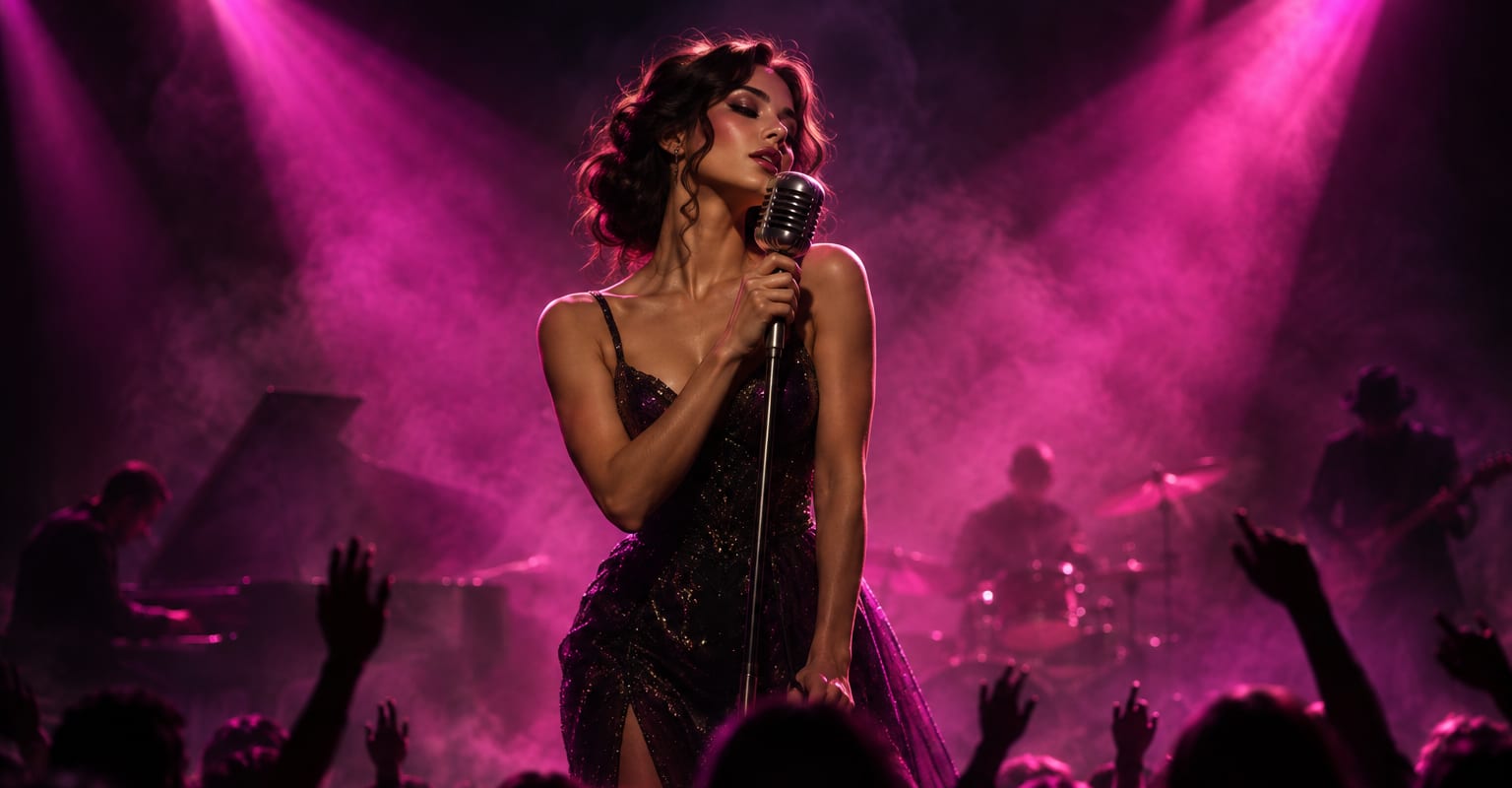
Every DomoAI workflow starts from a prompt and an optional reference file. Nothing has to be rebuilt by hand.
Upload the performer photo you want carried through the video, then describe the treatment: stage lighting, street scenes, haze, color palette.
Write each shot the way you hear it in the song: close on the face for the verse, wide and moving for the chorus. Generate several takes so the edit has coverage.
Drop the clips into your editor, sync the cuts to the beat, and grade them together. Clips arrive at 720p or 1080p, ready for social or a full release.
DomoAI workflows differ by the material you already have. Pick the one that matches it.
| Workflow | What you provide | Good for |
|---|---|---|
| Music video | Artist photo plus prompts | Generating original performance and mood shots |
| Dance trend | One photo | Choreography-led clips for a hook or a short-form cut |
| Character to video | Character photo plus a motion clip | Reusing a signature move across every shot |
| Video to video | Footage you already shot | Restyling existing performance footage instead of generating |
Answers about inputs, limits, resolution, and how credits are used.
Generate the visuals and add your track in your editor. Keep the visuals original, and follow the platform rules for the song you publish over.
Keep the same photo as the reference and describe wardrobe and hair the same way in every prompt. Regenerate any take where the face drifts.
Cover one performance beat, one atmospheric insert, and one movement shot. Three generations already give an editor enough to build a verse and a chorus around.
1080p covers social and most edits; upscale to 4K when the clip is going on a large screen or into a release master.
Every new account starts with 100 welcome credits, valid for 30 days, so you can test this workflow before choosing a plan.