 DomoAI
Build the dread first
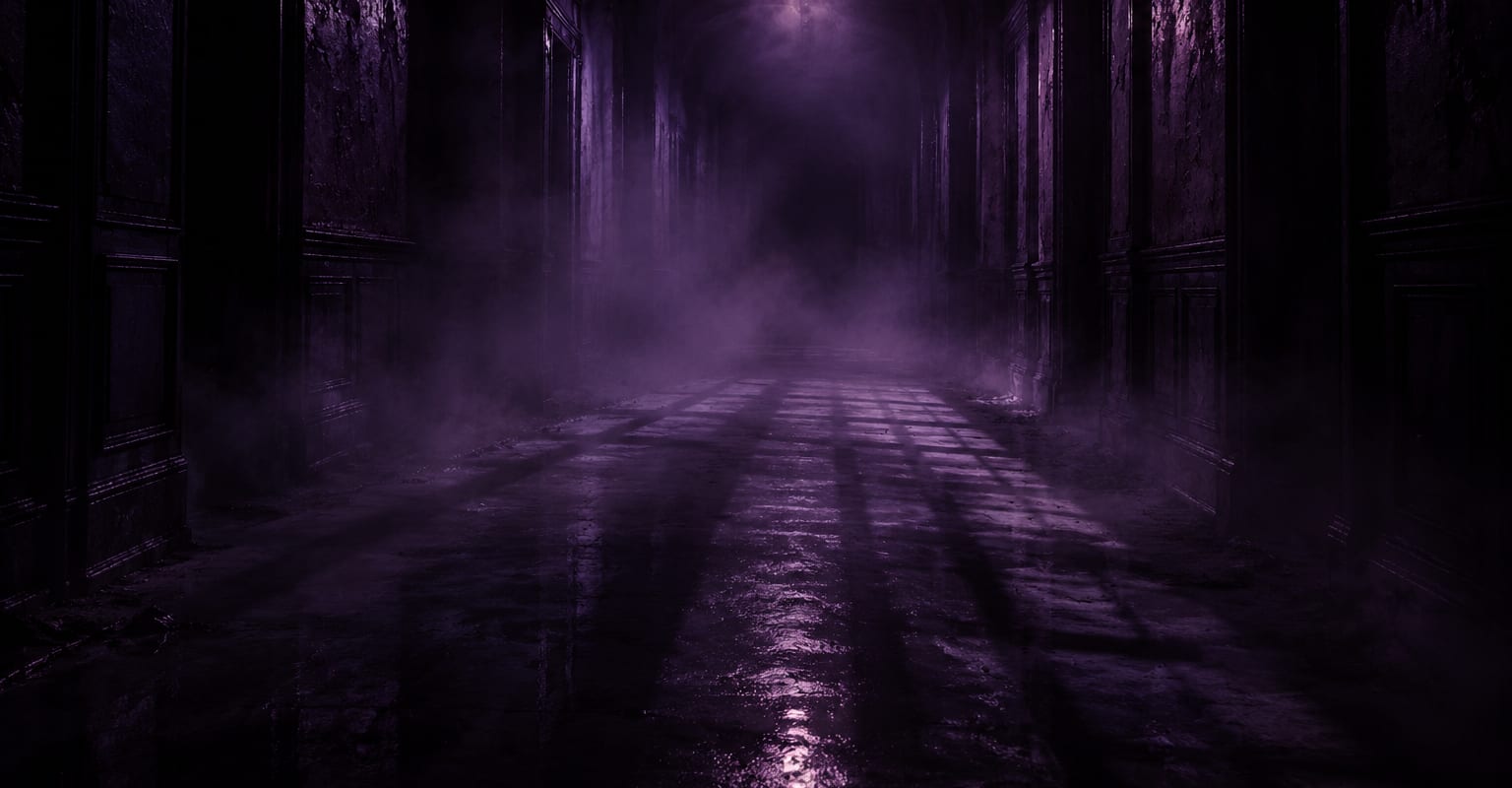
Start with an empty scene and one light source: a hallway under a single bulb, a forest road in fog, a room lit by a television. Empty frames make the audience lean in.
Fear is pacing: a quiet frame, a wrong detail, then the snap. Describe the scene and the beat, and the model builds candle-lit rooms, foggy streets and long corridors where something is always slightly off.
Every DomoAI workflow starts from a prompt and an optional reference file. Nothing has to be rebuilt by hand.
Start with an empty scene and one light source: a hallway under a single bulb, a forest road in fog, a room lit by a television. Empty frames make the audience lean in.
A silhouette at the end of the corridor, a door left ajar, a reflection that does not match. One wrong thing per clip - more than one and the brain stops believing.
Keep the clip quiet for most of its run and let the moment come late. Render two or three takes and keep the one where the timing feels cruelest.
DomoAI workflows differ by the material you already have. Pick the one that matches it.
| Workflow | What you provide | Good for |
|---|---|---|
| Scary video | A prompt or one photo | General horror atmosphere and scares |
| CCTV horror video | A prompt | Security-camera style found footage |
| Halloween video | A prompt or one photo | Seasonal spooky scenes and characters |
| Zombie video | A prompt or one photo | Apocalypse and undead-focused shots |
Answers about inputs, limits, resolution, and how credits are used.
Delay the payoff. Spend most of the clip building stillness, then land the event in the final second. Two or three renders will give you one take with genuinely nasty timing.
Found footage, analog grain, gothic rooms, suburban night, abandoned buildings - describe the era and the texture and the model follows. Keeping one style per clip keeps it believable.
Yes. Upload a photo and describe the haunted setting around it. Well-lit, front-facing source photos hold up best under heavy shadow and mood lighting.
Cinematic suspense - atmosphere, shadows and staged scares - is what the model is tuned for. Think film-trailer dread rather than explicit gore.
Every new account starts with 100 welcome credits, valid for 30 days, so you can test this workflow before choosing a plan.