 DomoAI
Pick one memory or table moment
Choose a clear family photo, a dish or a decorated table. Use one image as the anchor instead of trying to fit the whole celebration into a single shot, and keep faces visible.
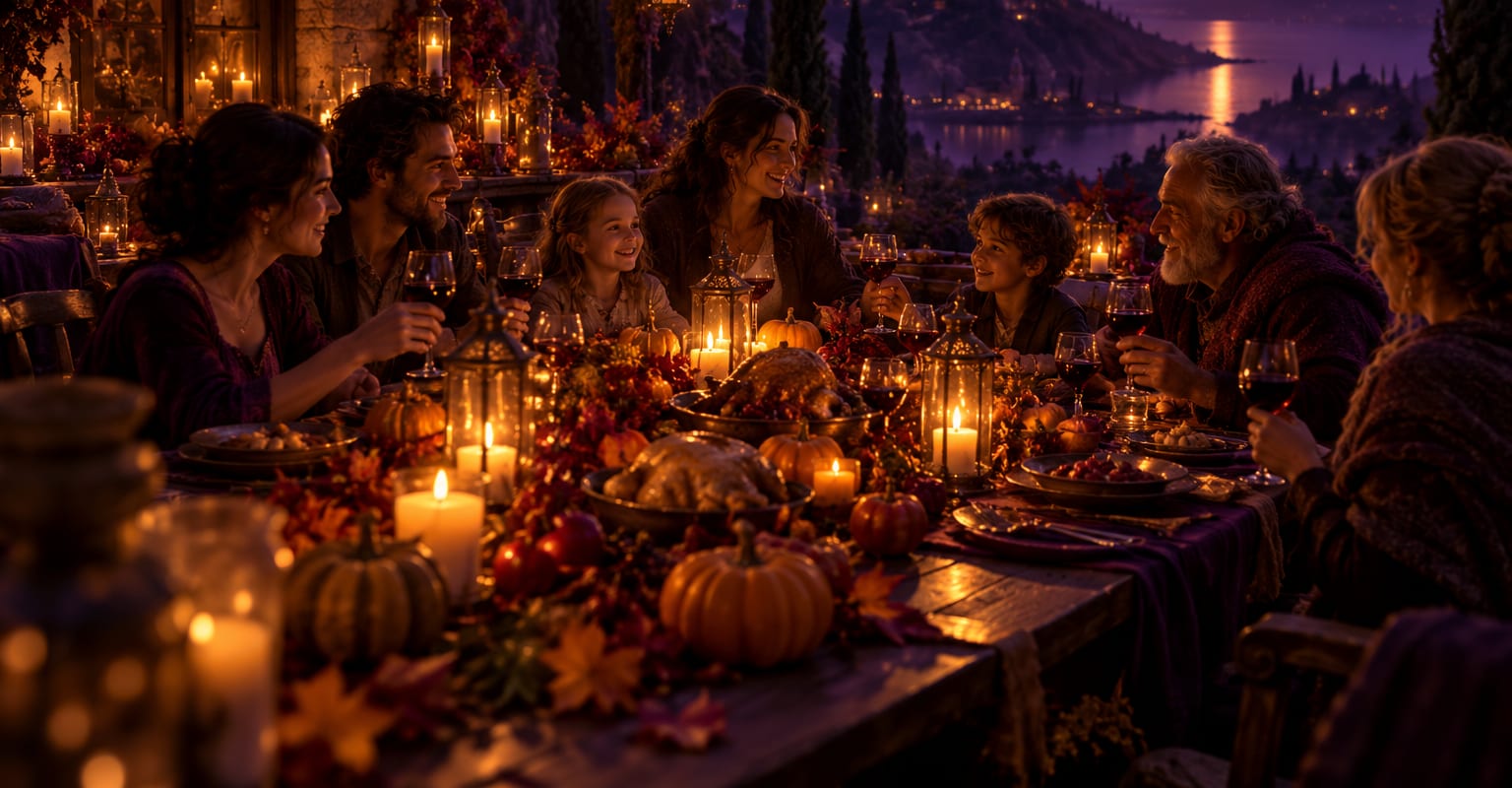
Thanksgiving content works best when it feels personal: the table before everyone sits down, a favourite family photo, a pet waiting near the kitchen. DomoAI turns those stills into a short holiday clip with warm light and gentle movement, ready to share or send.
Every DomoAI workflow starts from a prompt and an optional reference file. Nothing has to be rebuilt by hand.
Choose a clear family photo, a dish or a decorated table. Use one image as the anchor instead of trying to fit the whole celebration into a single shot, and keep faces visible.
Describe candlelight, autumn leaves, steam from the food or a slow camera move around the table. Keep the purple and golden palette consistent with the rest of the site and avoid adding seasonal text inside the image.
Place the final message, date and names in your editor so spelling is exact. Export a vertical clip for stories and a wide version for a family group or a holiday post.
DomoAI workflows differ by the material you already have. Pick the one that matches it.
| Workflow | What you provide | Good for |
|---|---|---|
| Family photo to Thanksgiving clip | A clear family or group photo | Warm holiday memories and group posts |
| Dinner or food photo | A table, dish or venue photo | Restaurant promos and recipe posts |
| Thanksgiving invitation | An invitation design or table scene | Event reminders and host messages |
| Pet holiday clip | A pet photo with a seasonal setting | Light-hearted family social posts |
Answers about inputs, limits, resolution, and how credits are used.
Yes. Start with a sharp scan, restore visible damage if needed and keep the motion gentle. A small camera push or a soft expression change usually preserves the memory better than a dramatic scene.
Add the final wording in an editor. Generated text can misspell names and dates. Keep the AI scene clean, then place the greeting where it does not cover faces or the main dish.
Use a vertical format for stories and short-form social, and a wide format for a group post or a longer family video. Export both from the same generated shot when possible.
Yes. Use accurate dish photos, keep the offer and dates correct, and add the restaurant details in the edit. Check the advertising rules of the platform and avoid implying a dish or setting that is not real.
Every new account starts with 100 welcome credits, valid for 30 days, so you can test this workflow before choosing a plan.