 DomoAI
Choose your entry point
A prompt builds a scene from nothing, a photo keeps a specific character, and an existing clip keeps the motion while the look changes. The starting point decides what stays fixed.
Anime lives on key frames - the pose, the light, the impact line - and on the few seconds after them. Start from a prompt, a photo or a clip, describe the shot in anime terms, and the model renders the scene in that language rather than as live action with a filter.
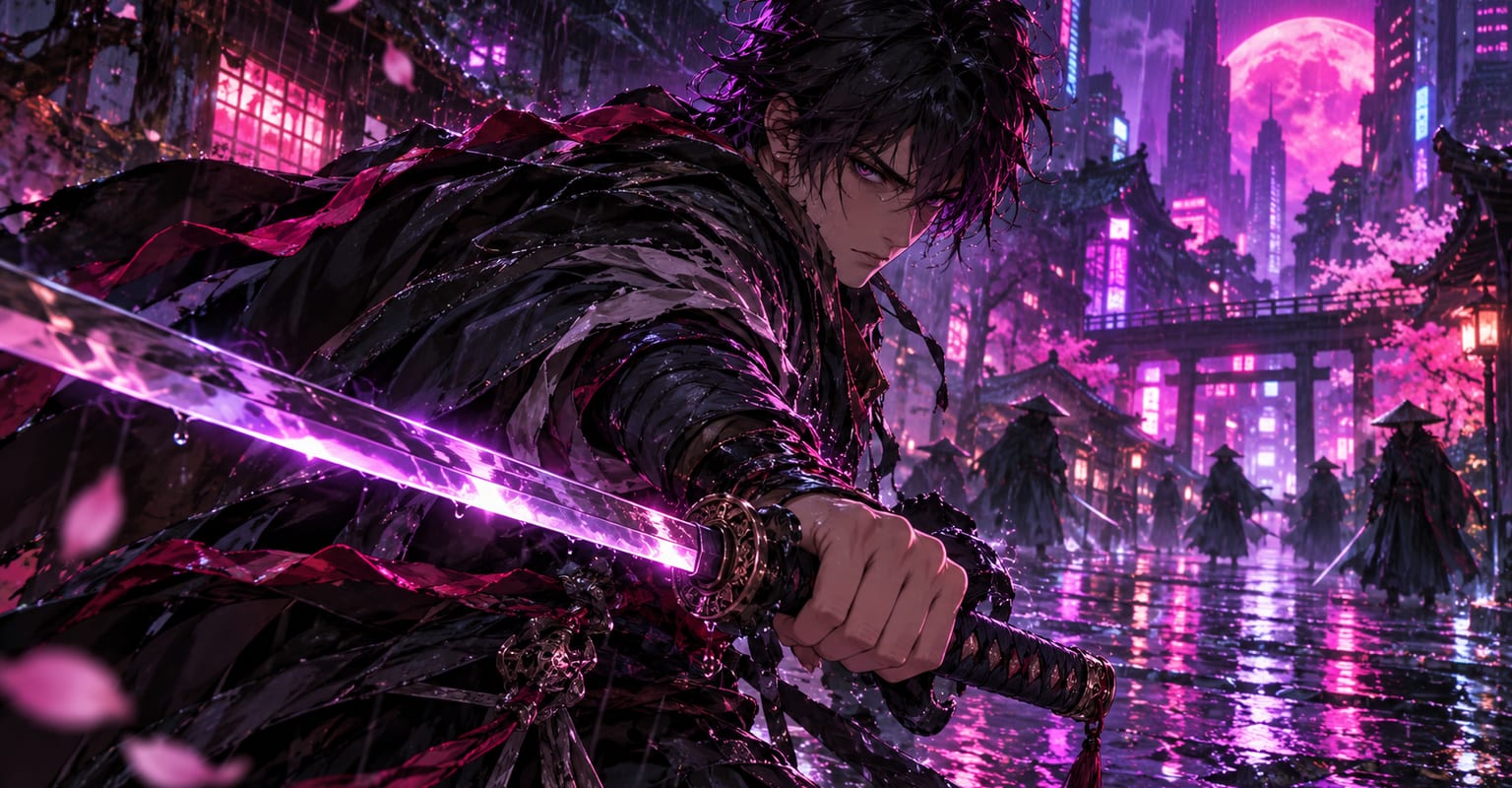
Every DomoAI workflow starts from a prompt and an optional reference file. Nothing has to be rebuilt by hand.
A prompt builds a scene from nothing, a photo keeps a specific character, and an existing clip keeps the motion while the look changes. The starting point decides what stays fixed.
Name what the shot needs: cel shading, speed lines, a dramatic backlight, a wide establishing frame. Anime has its own visual grammar, and using its words gets the style closest.
For series work, keep a reference image and re-use it in every prompt. Consistent hair, outfit and palette across clips is what makes them read as the same show.
DomoAI workflows differ by the material you already have. Pick the one that matches it.
| Workflow | What you provide | Good for |
|---|---|---|
| AI anime video generator | A prompt, a photo or a clip | Anime scenes built from scratch or converted |
| Video to anime | An existing clip | Turning real footage into anime while keeping the motion |
| Anime character video | A character image plus a motion reference | One character performing a specific move |
| Anime card maker | A character image | Collectible card layouts rather than video scenes |
Answers about inputs, limits, resolution, and how credits are used.
Yes - the video to anime workflow keeps the original motion and restyles every frame, which is the fastest route when you already have footage.
Use the same reference image and the same character description in every prompt. Small changes to either will show up as a different face.
Describe the look you want: classic cel shading, painterly backgrounds, nineties grain, modern digital. The style sentence in the prompt does the steering.
Generate the visuals first, then add dialogue, effects or music in your editor - generated sound is not where the model shines.
Every new account starts with 100 welcome credits, valid for 30 days, so you can test this workflow before choosing a plan.