 DomoAI
Define the fighters and the space
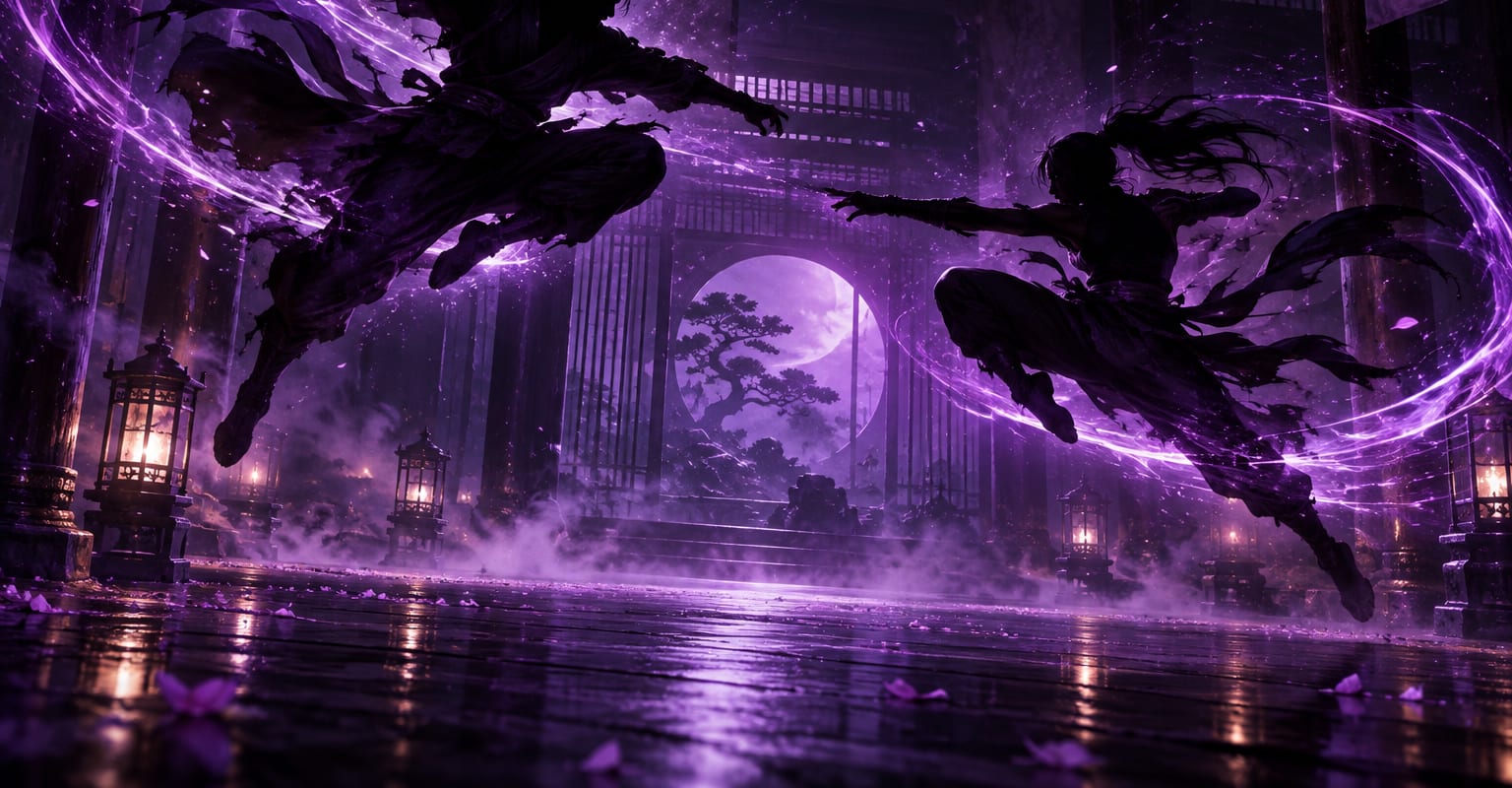
Describe two characters, their silhouettes or key clothing, plus the setting and lighting. A dojo, rooftop or neon alley gives the model a clear stage and helps the cuts feel like one scene.
Convincing action is a sequence of readable moments, not one long blur of movement. DomoAI is strongest when each generation covers a single beat - a step in, a dodge, a landing - so you can control the camera and cut the beats together like a fight editor.
Every DomoAI workflow starts from a prompt and an optional reference file. Nothing has to be rebuilt by hand.
Describe two characters, their silhouettes or key clothing, plus the setting and lighting. A dojo, rooftop or neon alley gives the model a clear stage and helps the cuts feel like one scene.
Ask for a single move: a low dodge, a spinning kick, a leap between rooftops or two fighters landing and facing off. Name the camera angle, such as wide profile, low tracking shot or close over-the-shoulder view.
Generate several short takes, trim on the impact and alternate wide shots with close shots. Add sound design in your editor; the final rhythm comes from the cut, not from asking one clip to contain the whole fight.
DomoAI workflows differ by the material you already have. Pick the one that matches it.
| Workflow | What you provide | Good for |
|---|---|---|
| Prompt to fight scene | A written description of fighters and one action beat | Original action concepts and animatics |
| Character photos to action | One or two character images | Keeping a recurring cast recognisable |
| Storyboard frames to motion | Keyframes showing the start and end of a move | Controlling composition before animating |
| Existing footage restyle | A stunt or rehearsal clip plus a style | Turning real choreography into an animated look |
Answers about inputs, limits, resolution, and how credits are used.
Yes. Build the fight from short, specific beats and edit them together. A sequence of clean dodges, strikes and reactions reads better than one prompt that asks for a complete 30-second battle.
Start from consistent character photos and repeat the same clothing, hair and colour notes in every prompt. Keep the camera language consistent too, especially the light direction and background.
Treat the workflow as stylised action and keep prompts non-graphic. Focus on movement, impact, expressions and camera work rather than injury. Content is still subject to the platform safety rules.
Short clips are easier to control. Generate a clean beat of a few seconds, then cut several beats together. This mirrors how action editors build a scene and gives you room to adjust pace.
Every new account starts with 100 welcome credits, valid for 30 days, so you can test this workflow before choosing a plan.