 DomoAI
Write the beats, not the whole script
One clip carries one beat. Break the story into shots - establishing scene, character close-up, the turn - and give each one a line or two of prose. That is enough for the model to stage it.
A story video is built beat by beat: a place, a character, a turn. Describe each beat as its own shot - a rain-soaked rooftop, a letter opening, a chase down a corridor - and the model renders the scenes as short clips you cut into a sequence.
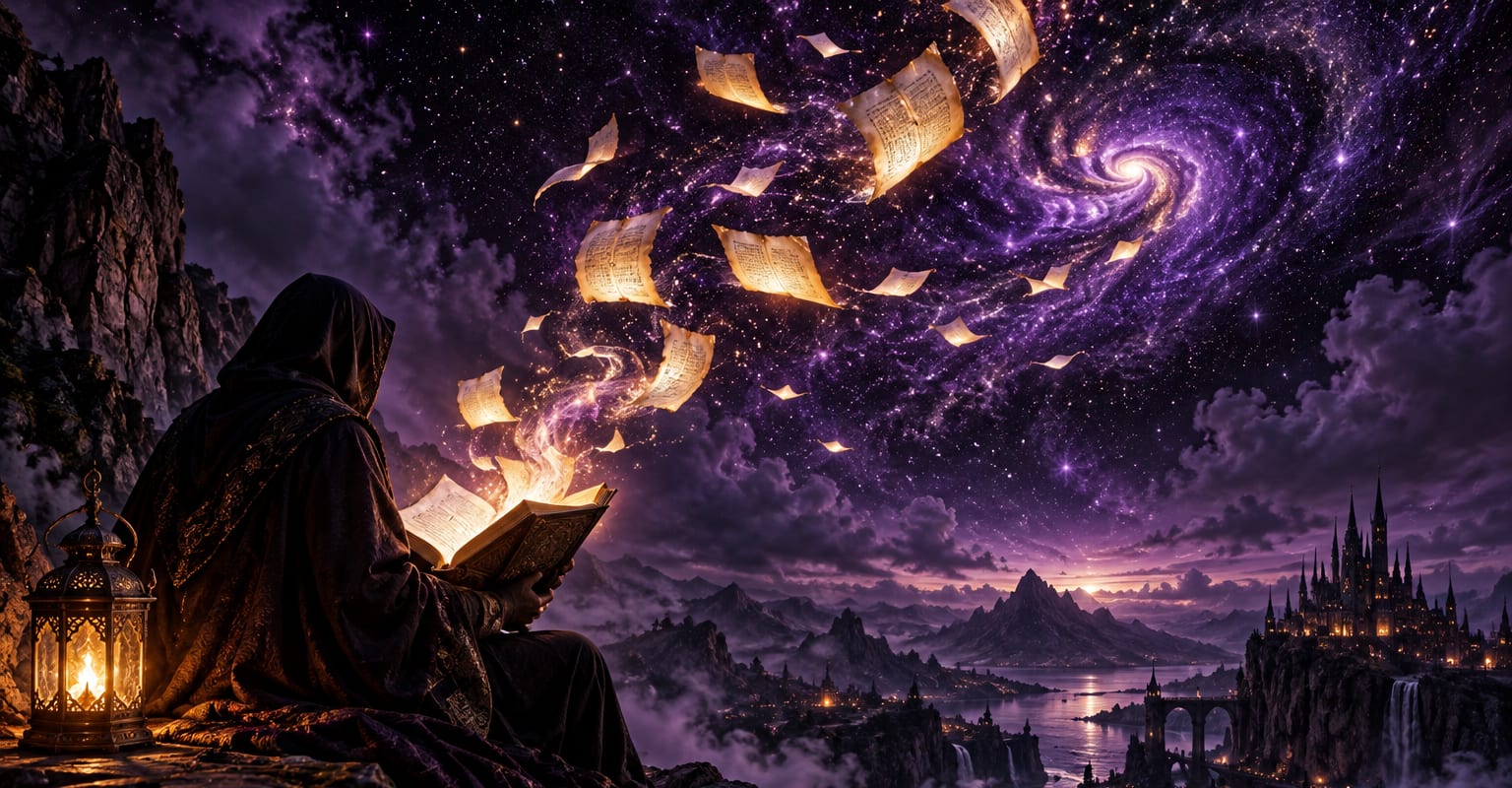
Every DomoAI workflow starts from a prompt and an optional reference file. Nothing has to be rebuilt by hand.
One clip carries one beat. Break the story into shots - establishing scene, character close-up, the turn - and give each one a line or two of prose. That is enough for the model to stage it.
Describe each character once - face, hair, outfit - and reuse the exact wording across shots. Upload a reference photo when a specific face has to carry through the whole sequence.
Generate the beats as separate clips, keep the takes with the strongest mood, and assemble them in your editor. Music and title cards are what turn a stack of shots into a story.
DomoAI workflows differ by the material you already have. Pick the one that matches it.
| Workflow | What you provide | Good for |
|---|---|---|
| Story video | A prompt or one photo | Rendering narrative beats as short cinematic shots |
| Storyboard generator | A prompt | Planning the shot list before rendering |
| Explainer video | A prompt | Teaching one idea with a clear path |
| Music video | A prompt plus a track | Building visuals around a song |
Answers about inputs, limits, resolution, and how credits are used.
Yes, beat by beat. Split the script into shots, generate each one as a five to fifteen second clip, then assemble them in order. That workflow also makes it easy to reshoot a single beat without touching the rest.
Reuse the exact same character description in every prompt, or upload a reference photo of the face. Consistent wording plus the same reference image is the reliable recipe.
Five to fifteen seconds per beat. A finished story is a sequence of those clips, so each one only needs to land a single moment well.
Only the basics. Each clip downloads clean and watermark-free, and any free editor can stack them into a sequence with music and a title card.
Every new account starts with 100 welcome credits, valid for 30 days, so you can test this workflow before choosing a plan.