 DomoAI
Map the song before generating visuals
Mark the timestamps for each section and write one visual idea per section. Keep the verse intimate, give the chorus a wider image and reserve a distinct motif for the bridge or final hook.
The song already has structure: intro, verse, chorus and bridge. A music video works when the visuals follow that structure instead of treating every line the same. This guide turns a track into a small set of repeatable visual sections, then builds the edit around them.
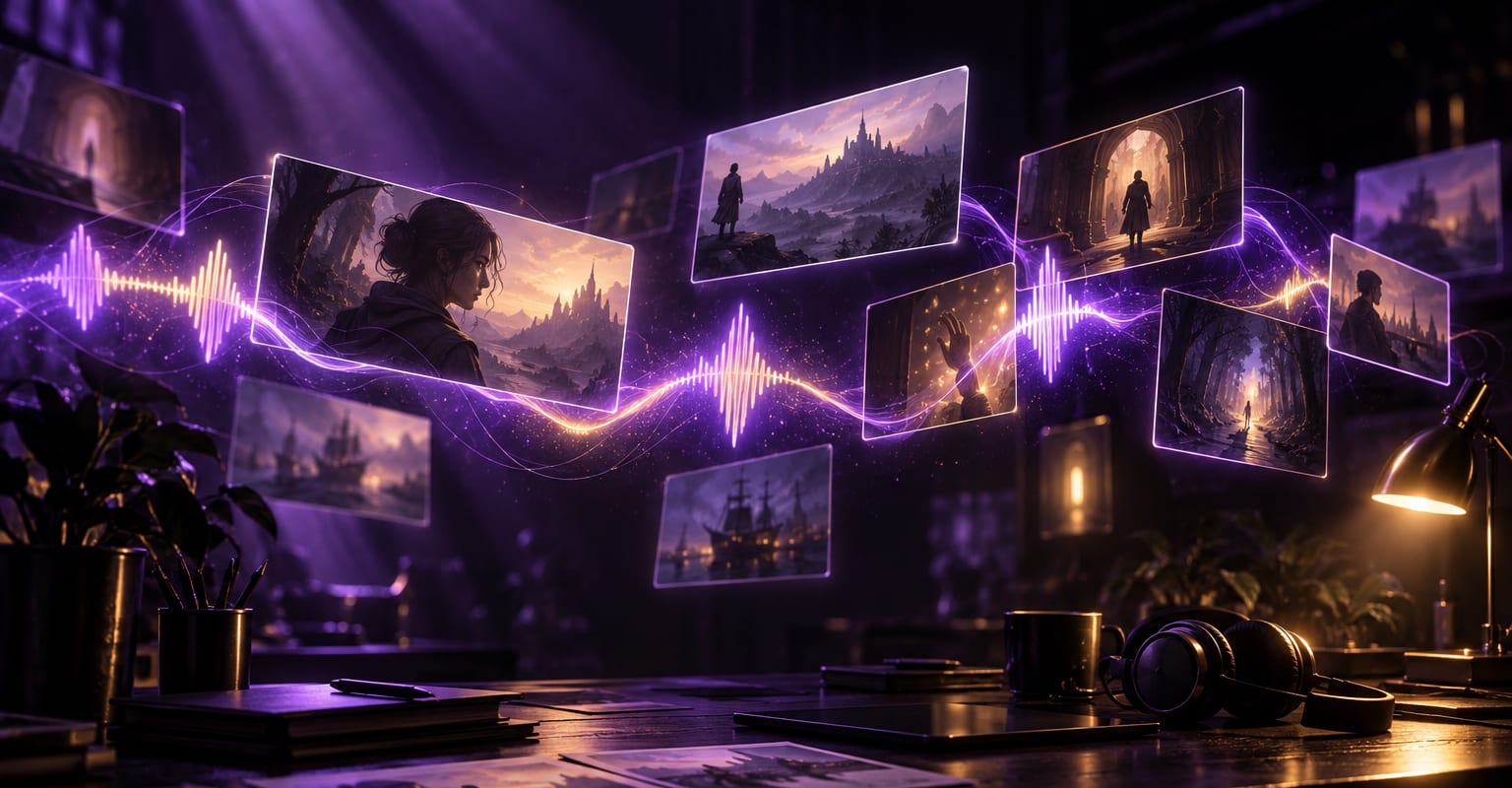
Every DomoAI workflow starts from a prompt and an optional reference file. Nothing has to be rebuilt by hand.
Mark the timestamps for each section and write one visual idea per section. Keep the verse intimate, give the chorus a wider image and reserve a distinct motif for the bridge or final hook.
Create several short clips for the chorus and fewer for the verses. Reuse one character, palette or location across sections so the video feels like a single world, and generate alternate takes for the strongest beat.
Place the biggest visual change on the chorus entry, trim shots to the phrase and avoid cutting every beat. Add the final audio, titles and end card in the editor, then check the mix on headphones and phone speakers.
DomoAI workflows differ by the material you already have. Pick the one that matches it.
| Workflow | What you provide | Good for |
|---|---|---|
| Prompt-led music video | A song plus one visual prompt per section | Original concept scenes and abstract visuals |
| Character-led music video | A portrait or character sheet plus the track | A performer or mascot carrying the video |
| Footage restyle | Existing clips plus a visual style | Turning live footage into a stylised edit |
| Lyric video | A track, lyrics and typography direction | Text-led releases and social lyric posts |
Answers about inputs, limits, resolution, and how credits are used.
Yes. Use the audio to map timing and generate visuals for each section. The visual model does not need to hear the full mix in one take; the edit is where the shots are aligned to the actual track.
A short social video can work with five to ten shots. A full song usually needs more coverage: a reusable chorus set, verse variations and one or two signature images for transitions.
Random visual styles, unmotivated cuts and shots that ignore the song structure. Keep a consistent palette, cut on meaningful phrases and repeat a motif so the viewer recognises each section.
Only if you have rights to the music, likeness and any source images. AI generation does not grant rights to a commercial recording. Use licensed or original audio and follow the platform rules for synthetic media.
Every new account starts with 100 welcome credits, valid for 30 days, so you can test this workflow before choosing a plan.