 DomoAI
Text to Video
Write a prompt and DomoAI renders it as video: name the subject, the action, the camera move, and the lighting, then generate a clip at 720p or 1080p with optional 4K upscaling.
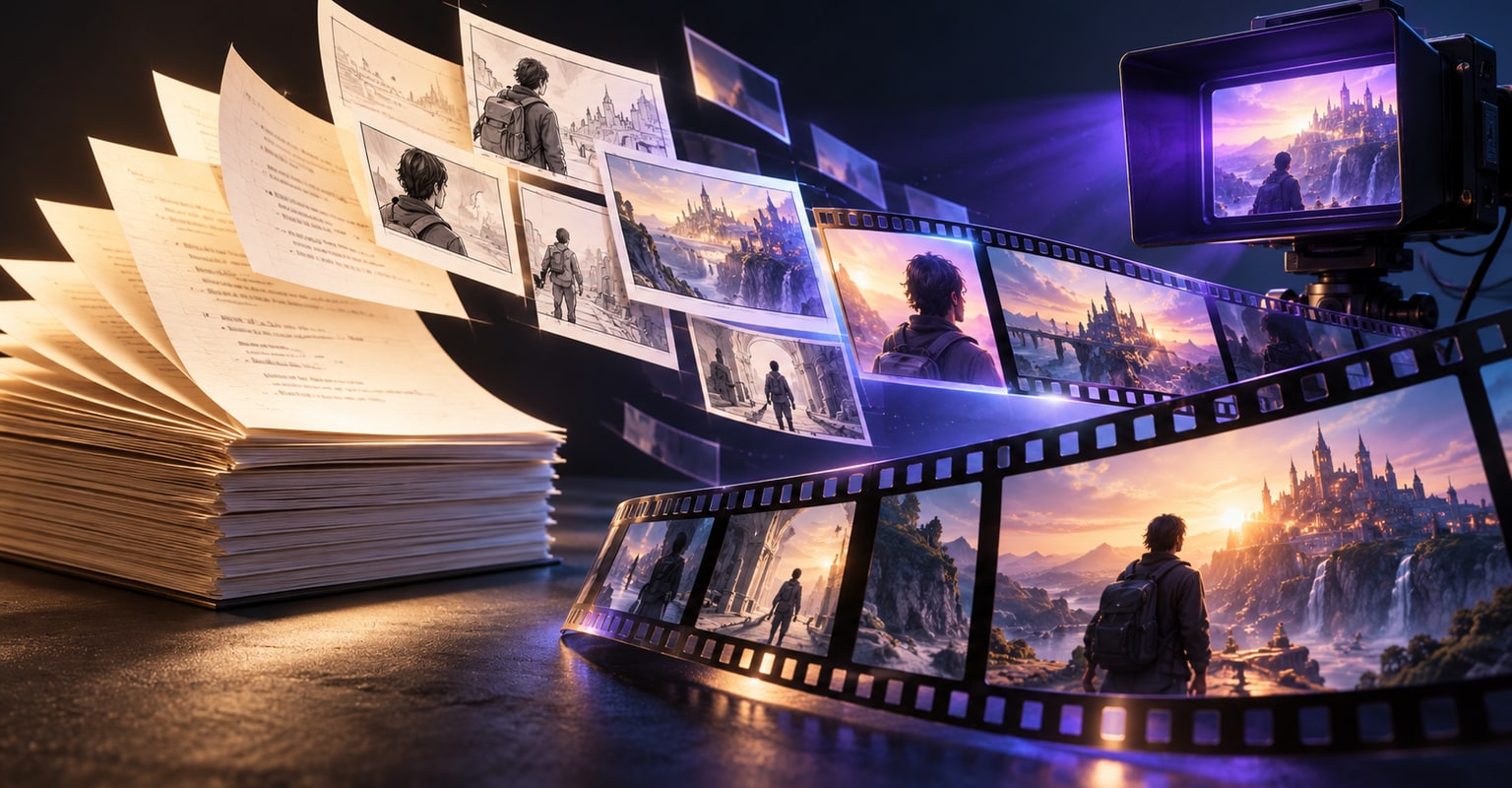
The reliable script-to-video workflow is not one giant prompt. Break the script into visual beats, create one prompt per shot, generate drafts, then assemble the approved clips with sound and captions. This page gives you the shot plan, prompt structure and continuity checks needed to keep the result coherent.
domoai.lol is an independent third-party service and guide. It is not affiliated with, endorsed by, or operated by DomoAI. Product details and prices reflect public sources reviewed on October 20, 2026; verify current terms on the linked official pages before subscribing.
Script-to-video works best for short ads, explainers, trailers and narrative sequences made from several generated shots. It is not a replacement for a full long-form animation pipeline. The more dialogue, recurring characters and precise timing the script contains, the more review and editing the project will need.
Read the script for changes in information, location or emotion. Each meaningful change is a candidate shot. A 20-second product ad may need three shots: the problem, the product action and the result. A 45-second character story may need six to eight.
Delete anything that cannot be seen. “The customer feels relieved” is not a shot; “the customer exhales, shoulders dropping, as the confirmation appears” is. Give every shot one visual job.
A useful shot list is specific enough to generate and small enough to change. Track the subject, action, setting, camera, duration, aspect ratio, reference asset and approval status for each shot.
| Shot | Visual job | Prompt core | Reference |
|---|---|---|---|
| 1 | Establish the problem | Crumpled shirt on a hanger, slow push-in | Product-style still |
| 2 | Show the product | Steam lifts through fabric in close-up | Same shirt and color |
| 3 | Show a clean result | Shirt hangs smooth, soft morning light | Same background |
| 4 | End card | Product on podium, camera slowly orbits | Final product image |
Use a repeatable structure: subject, action, environment, camera, lighting and continuity. Keep the subject description identical across shots. Change only the action and camera needed for that beat.
If your platform supports image references, reuse the same character or product image across the sequence. If it supports first-and-last frames, use them when the shot must arrive at a precise composition.
Template: same [character/product], [action with a visible start and end], in [consistent setting], [one camera move], [same palette], no additional characters, no text.
Lock the variables that identify the subject: face, hair, age, clothing, logo placement, product color and packaging shape. Reuse the same reference and repeat those constraints in every prompt even when the camera changes.
Continuity is easier to maintain when the edit hides small differences. Cut on action, keep shots short and avoid returning to a full-body view after a close-up unless the wardrobe and environment remain clear.
Generate the simplest shot first to establish the visual language. Once that shot is approved, reuse its reference and prompt vocabulary for the remaining sequence. Put every take in a named folder so the editor knows which version is final.
Assemble in order, then trim the action to the beat. Add voice, music and captions after picture lock. Clean up generated typography in the editor; do not rely on a video model to render important legal or brand text.
Use a traditional production or a specialist animation pipeline when performance, continuous dialogue, complex action choreography or regulated claims require exact control. AI generation is strongest when the shot can tolerate visual interpretation.
Keep a human approval step for facts, names, prices and product behavior. A polished clip that says the wrong thing is still a failed asset.
Most practical workflows generate separate shots from a shot list and assemble them later. That keeps each scene editable and makes retries less expensive.
Three to eight shots is a practical starting range depending on pace. Dialogue, product detail and transitions can require more, while a single atmospheric sequence may need fewer.
Yes when the platform supports image or character references and you reuse the same approved asset. Still review identity on every take before assembly.
Yes. Add one clear camera behavior per shot, such as a slow push-in or locked medium shot. Too many conflicting moves make the result less predictable.
Add captions in an editor when dialogue or information matters. Generated visuals should not be trusted to render precise text.
Public sources reviewed October 20, 2026. Product details can change; use the official links when making a purchase decision.
Start with text, a still image or an existing clip. New accounts receive 100 welcome credits valid for 30 days.