 DomoAI
Pick a subject with room around it
Use a photo of a person, pet or building with clear separation from the background. A wide frame leaves space for painted clouds, trees or a horizon, which are the details that sell the hand-drawn look.
The recognisable part of a Ghibli-inspired scene is rarely a single character. It is the soft distance between hills, the way light sits in a cloud, and the quiet motion of grass or cloth. DomoAI lets you build that atmosphere from a photo or a written scene, then animate it as a short cinematic clip.
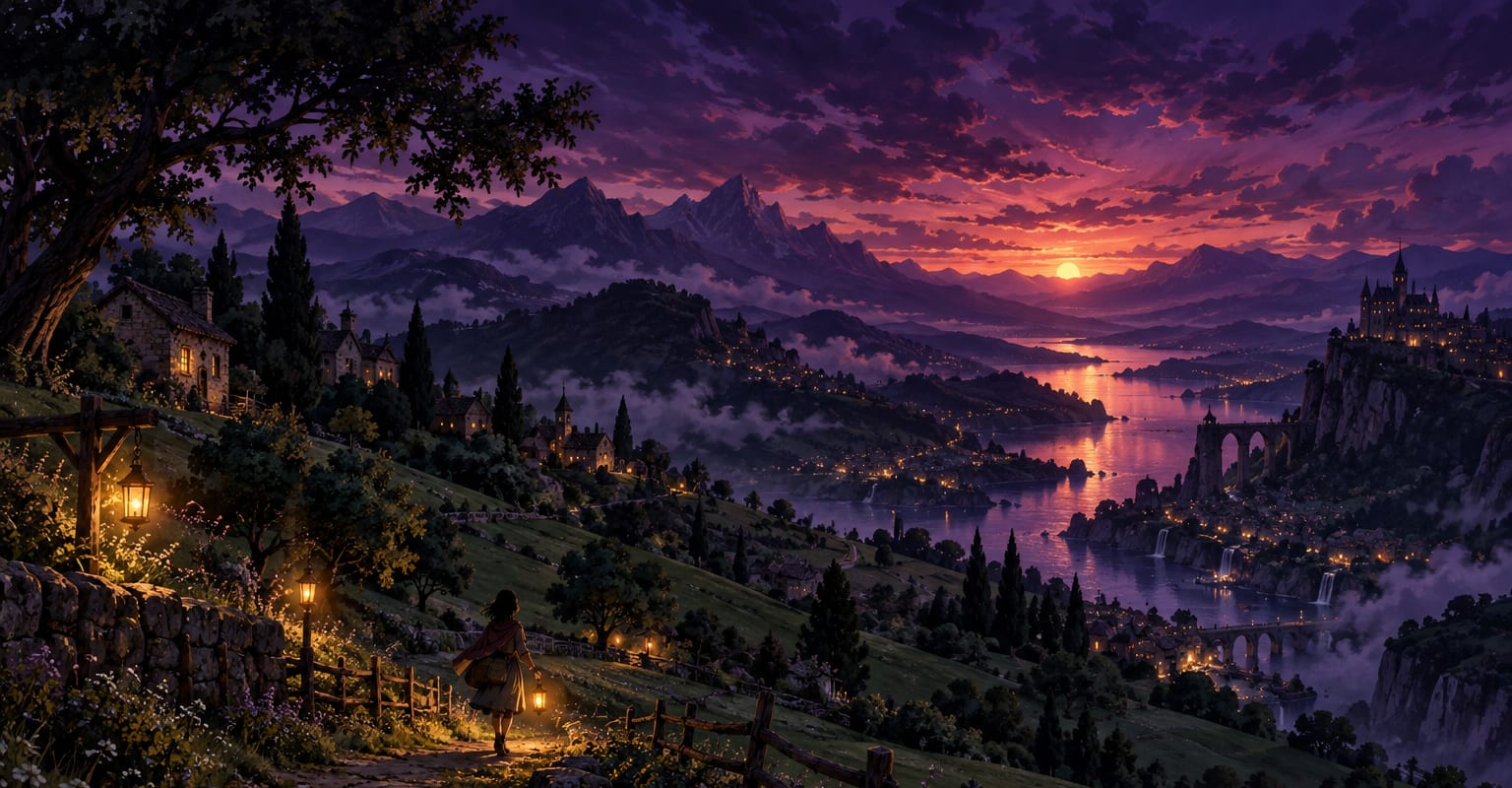
Every DomoAI workflow starts from a prompt and an optional reference file. Nothing has to be rebuilt by hand.
Use a photo of a person, pet or building with clear separation from the background. A wide frame leaves space for painted clouds, trees or a horizon, which are the details that sell the hand-drawn look.
Name the qualities you want: watercolour edges, soft cumulus clouds, tall grass moving in wind, warm windows at dusk. Keep the character design original and use the style as a mood reference rather than asking for a known film character.
A slow push-in, drifting clouds or a gentle breeze is usually stronger than a busy action scene. Generate, compare the background layers, and export the take that keeps the illustration coherent in motion.
DomoAI workflows differ by the material you already have. Pick the one that matches it.
| Workflow | What you provide | Good for |
|---|---|---|
| Photo to Ghibli-style video | One photo of a person, pet or place | Turning a personal memory into a painted scene |
| Prompt to painted anime scene | A written description of place and mood | Original scenery with no source photo |
| Video restyle | Existing footage plus a style reference | Keeping real motion inside a hand-painted frame |
| Anime video generator | A prompt, photo or short clip | Broader anime looks beyond the Ghibli-inspired style |
Answers about inputs, limits, resolution, and how credits are used.
No. This is an independent style workflow inspired by hand-painted animated cinema. It does not reproduce official characters, logos or scenes, and it is not endorsed by Studio Ghibli.
Yes. Describe the setting, time of day, weather and camera movement. A simple scene such as a hillside house at dusk with drifting clouds is easier to keep consistent than a crowded plot with several characters.
Strong stylisation can soften facial features. Use a clear, front-facing subject, avoid heavy accessories near the face, and add details about hair, clothing and expression. Generate a few takes before choosing the final clip.
You can use the output in your own projects, but do not present it as official Studio Ghibli material or use protected characters and marks. Check the DomoAI terms and the rules of the platform where you publish.
Every new account starts with 100 welcome credits, valid for 30 days, so you can test this workflow before choosing a plan.