 DomoAI
Choose a portrait with a clear mouth
Use a front-facing photo where the lips are visible and the face is evenly lit. Avoid hands, microphones or hair covering the mouth, because those details make lip movement harder to read.
A singing clip depends on two signals staying together: the face and the vocal. DomoAI can animate a portrait around a song or voice track, giving a photo the phrasing and mouth movement of a performance. Start with a clean face and a clear vocal, then build the visual around one musical moment.
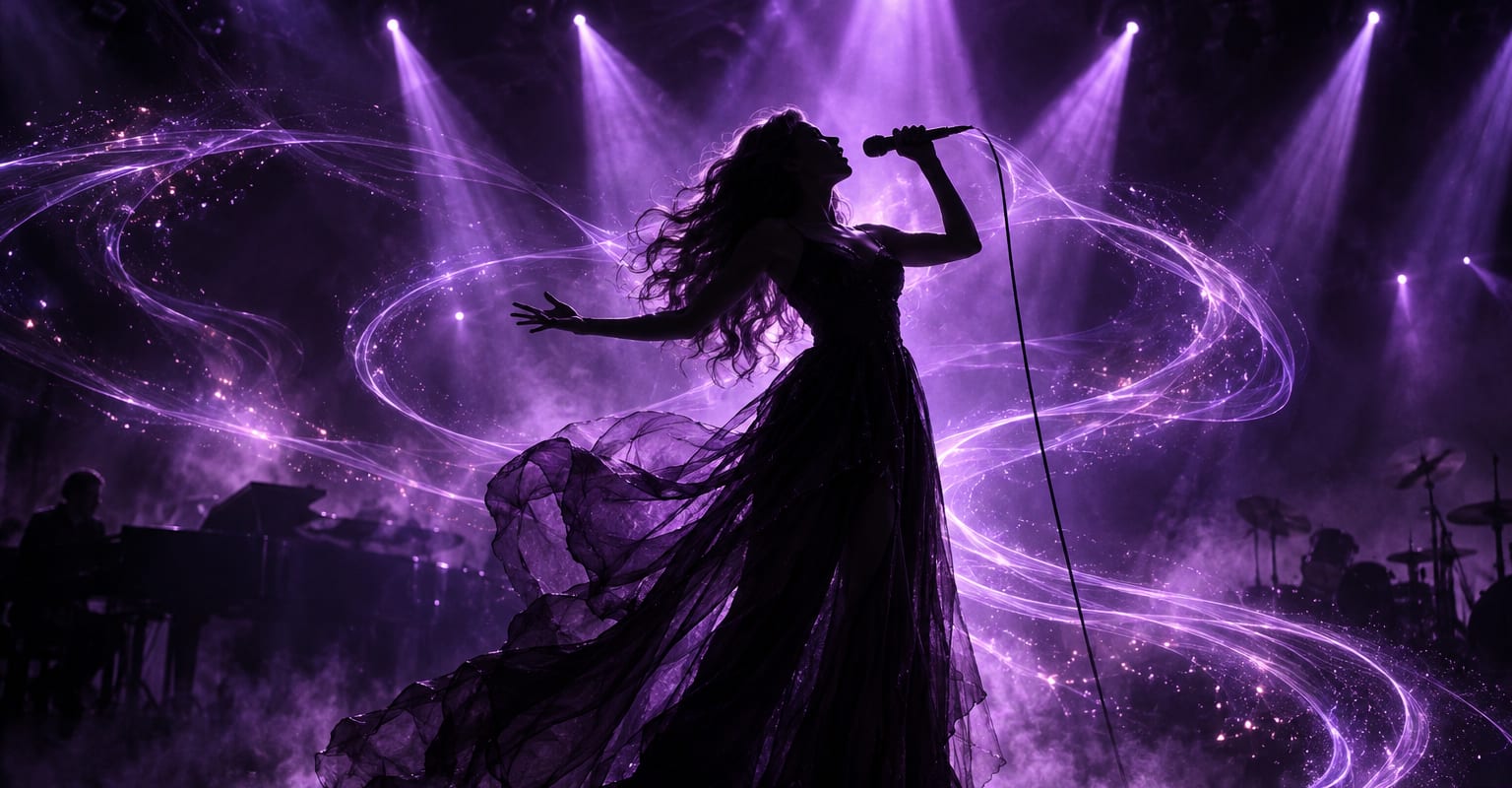
Every DomoAI workflow starts from a prompt and an optional reference file. Nothing has to be rebuilt by hand.
Use a front-facing photo where the lips are visible and the face is evenly lit. Avoid hands, microphones or hair covering the mouth, because those details make lip movement harder to read.
Use a clean song or voice track and describe the performance setting: a violet stage, a bedroom performance, a spotlight or a moving camera. Match the lighting and energy to the section of the song.
Review close-mouth consonants, pauses and the start of each phrase. If the movement drifts, use a shorter section with clearer vocals. Export the clip and add the full track, titles or cutaways in your editor.
DomoAI workflows differ by the material you already have. Pick the one that matches it.
| Workflow | What you provide | Good for |
|---|---|---|
| Photo to singing video | One portrait plus a vocal track | A single performer carrying the shot |
| AI music video | A song plus several visual prompts | Multiple scenes cut to the track |
| AI lyric video | A song, lyrics and visual references | Text-led music posts and lyric reveals |
| Talking avatar | A portrait plus spoken dialogue | Speech, comedy and presenter clips |
Answers about inputs, limits, resolution, and how credits are used.
A clear vocal track gives the best result because the animation can follow phrasing, pauses and emphasis. Choose a section with a strong lead vocal rather than a dense mix with several voices.
Only if you have the rights or the platform permits it. For commercial projects, use original music, licensed audio or a voice track you created. The visual workflow does not grant rights to the recording.
Fast lyrics, heavy reverb, overlapping vocals and faces turned away from the camera make sync harder. Try a short, clearly sung phrase, a straight-on portrait and a clean vocal stem.
You can build a short performance shot, then repeat it with different crops, lights or backgrounds and cut those variations to the song. A full video usually combines several short generated shots rather than one long take.
Every new account starts with 100 welcome credits, valid for 30 days, so you can test this workflow before choosing a plan.